




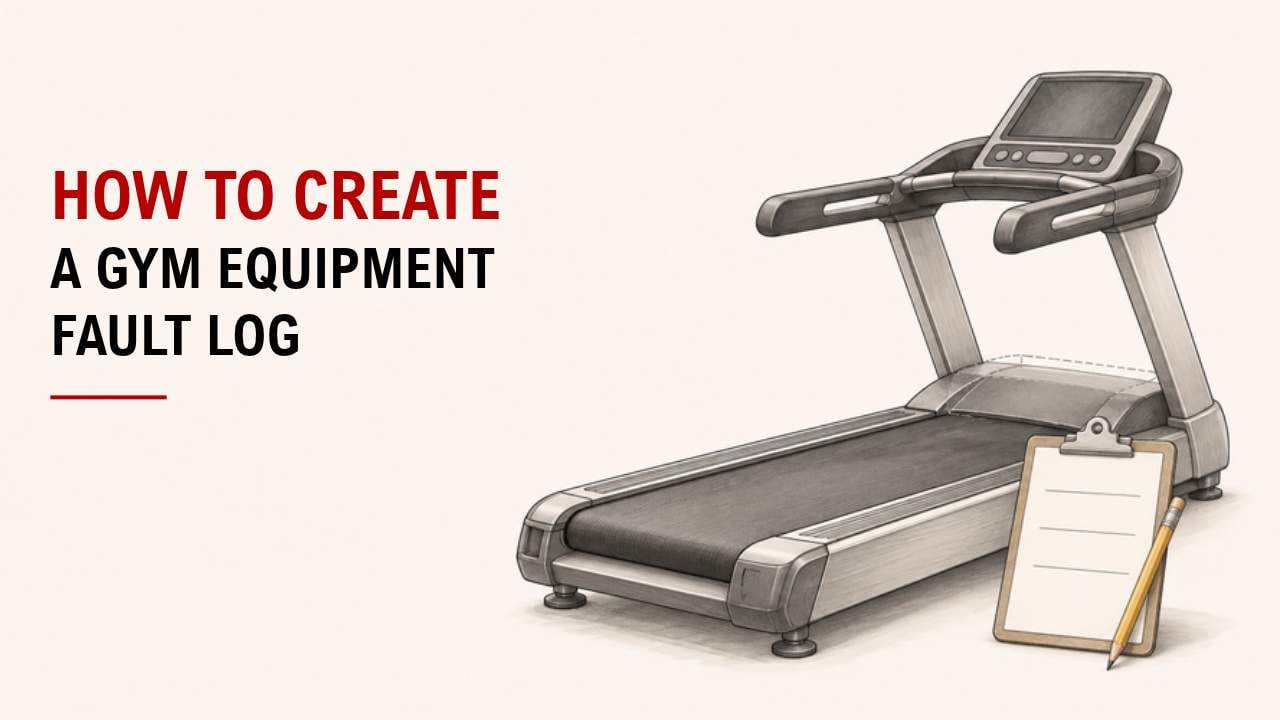
Have you ever noticed a gym machine making strange noises or not working properly?
A gym equipment fault log helps you record these problems, track repairs, and keep equipment safe to use.
You only need a notebook or simple spreadsheet to get started. As a Machinery & Structural Engineer, I know that even durable machines from YR Fitness need regular checks to stay in good condition.
Creating a fault log is easier than you might think. Follow these six steps to record equipment problems and keep track of repairs.
1. Identify the Faulty Equipment
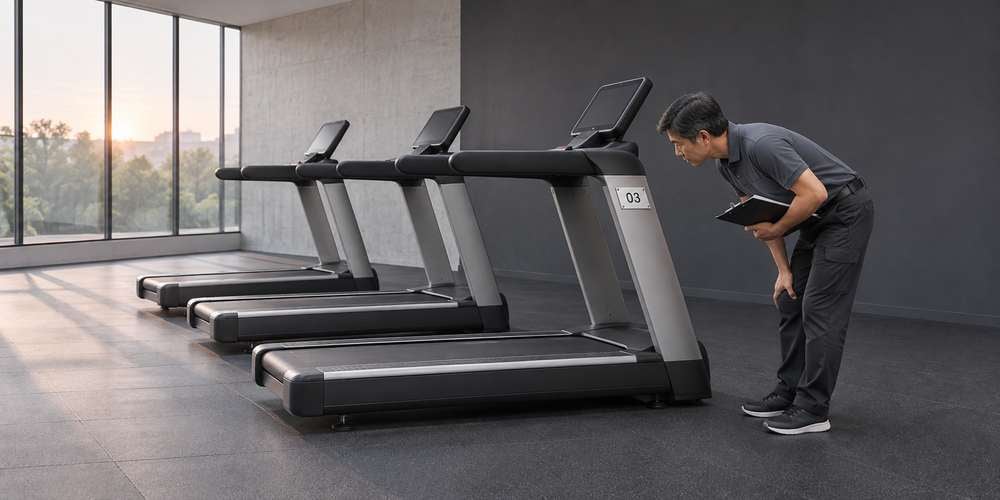
Start by identifying which machine has a problem. Write down enough details so gym staff can find it quickly.
Record the following:
- Equipment name: Treadmill, leg press, cable machine, etc.
- Model or ID: Check the equipment label or identification number.
- Location: Note where the machine is located.
- Date: Record when you notice the problem.
Example: Treadmill #03, Cardio Area, November 9.
Why record the equipment ID?
I recommend using it whenever possible. It helps avoid confusion when several machines look alike.
2. Record the Equipment Fault
Next, describe what’s wrong with the machine. Keep your description short and specific.
Here are some common faults you might notice:
- Treadmill: Belt slipping or making unusual noises.
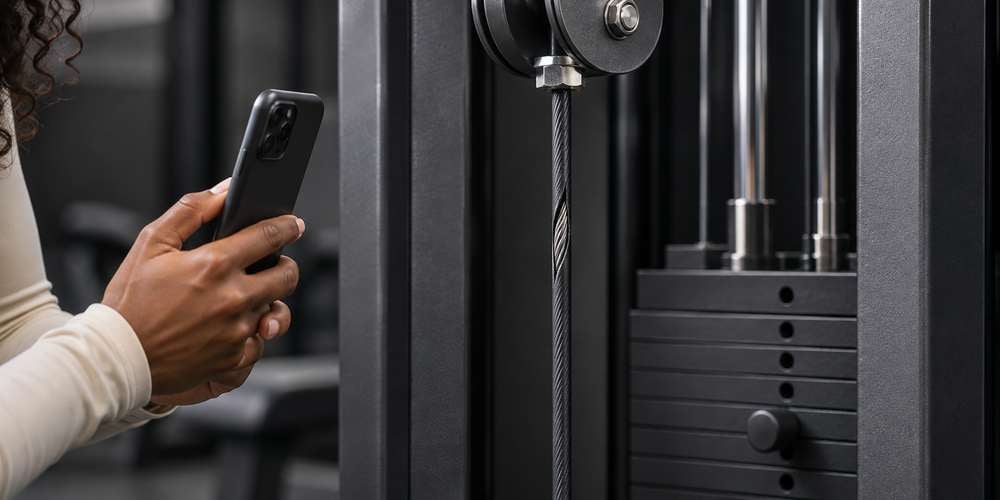
- Cable machine: Cracked cable coating or sticking pulley.
- Exercise bike: Pedal making clicking sounds.
- Weight machine: Weight stack not moving smoothly.
- Adjustable bench: Backrest not locking properly.
For example, instead of writing “machine broken,” write “cable pulley makes a squeaking noise during movement.”
You can also take a photo of visible damage if it’s safe to do so.
Not sure what else to look for? This daily gym equipment safety checklist covers common warning signs you can recognize before training.
Safety tip: Stop using equipment that appears unsafe and report it to gym staff. The Health and Safety Executive’s maintenance guidance also advises against using faulty or damaged equipment.
Never attempt to test or repair damaged equipment yourself.
3. Create a Simple Fault Log Table
You don’t need special software to organize your fault log.
You can use:
- A notebook
- Microsoft Excel
- Google Sheets
- A printed checklist
Here’s a simple example you can copy:
Date | Equipment | Problem | Severity | Status |
Nov. 9 | Treadmill #03 | Belt slipping | High | Pending |
Nov. 9 | Cable Machine #02 | Pulley sticking | High | Under Repair |
Nov. 9 | Exercise Bike #05 | Loose pedal | High | Fixed |
You can also add the equipment location and the name of the person who reported the problem.
I prefer using a spreadsheet because it’s easier to update and review previous faults. It also helps you spot machines that keep having the same problems.
Quick tip: If a fault keeps happening, show the previous entries to gym staff. This helps them decide whether the equipment needs another inspection or professional servicing.
4. Mark the Fault Severity
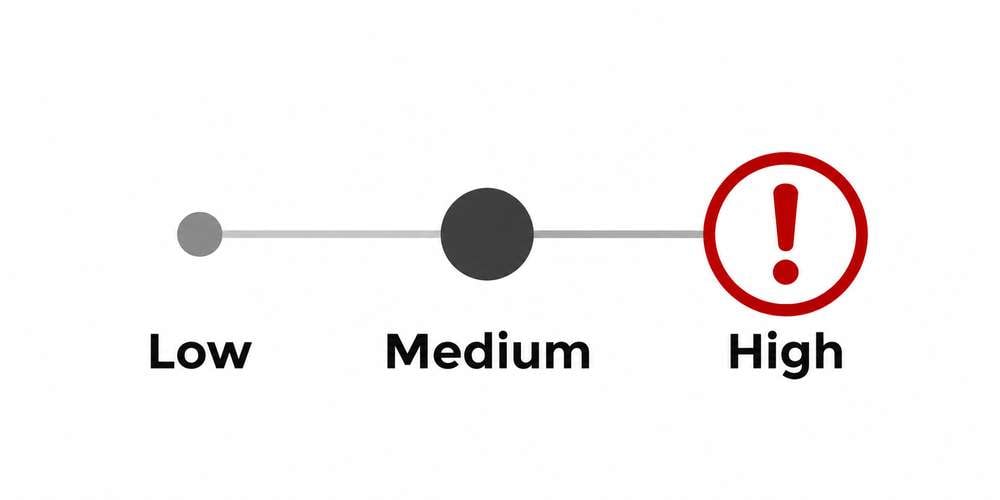
Some equipment problems are minor, while others can make a machine unsafe.
Use these three levels to describe the problem:
Severity | What It Means | Example |
Low | Minor cosmetic damage that doesn’t affect safe operation | Scratched machine frame |
Medium | A problem requiring inspection before further use | Unusual noise that needs checking |
High | Serious fault requiring immediate removal from use | Damaged cable, slipping treadmill belt, or broken safety lock |
For example, a scratched frame may only need monitoring. However, a broken safety lock should be reported immediately.
What if you’re unsure about the severity?
Don’t guess. Stop using the machine and let qualified gym staff check it first.
5. Track Repairs and Maintenance
Once you’ve reported the fault, keep track of what happens next.
When repair information becomes available, update these details:
- Repair date: When the equipment was inspected or repaired.
- Action taken: What was fixed or replaced.
- Person responsible: Who completed the repair.
- Status: Pending, Under Repair, or Fixed.
Here’s a simple example:
- Equipment: Cable Machine #02
- Problem: Pulley sticking
- Repair: Pulley bearing replaced
- Status: Fixed after inspection
Should you delete old fault records once repairs are complete?
No. Keeping them helps gym staff identify problems that keep coming back.
In my experience, repair history makes it much easier to spot recurring equipment issues.
You can also read this preventive maintenance guide to understand how regular equipment care helps prevent breakdowns.
Remember, actual repairs and safety inspections should always be handled by qualified staff or technicians.
If your gym keeps dealing with the same equipment faults, it may be time to review the machines themselves. At YR Fitness, we build commercial equipment for heavy daily training, with durable materials and carefully designed movement systems.
Explore our commercial strength equipment to compare practical replacement options for frequently used machines.
6. Check and Update the Fault Log Regularly
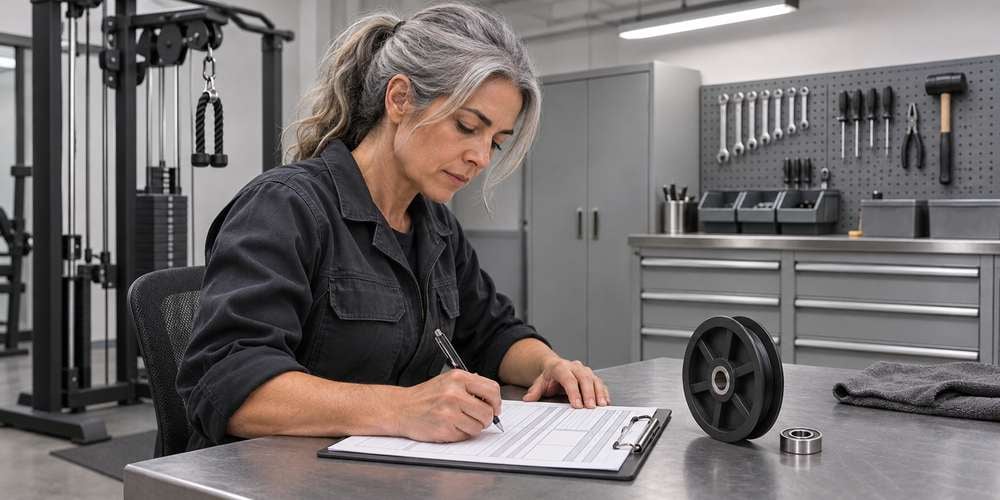
Your fault log should stay updated so reported problems don’t get forgotten.
Follow these simple habits:
- Record new faults: Add problems as soon as you notice them.
- Report unsafe equipment: Tell gym staff immediately.
- Follow up: Check whether previously reported problems have been addressed.
- Update the status: Mark repairs as completed only after gym staff confirm them.
- Keep old records: Save previous entries to track repeat faults.
How often should you update the log?
Whenever you notice a new problem or receive an update about a repair. There’s no need to wait until the end of the week.
The HSE’s equipment inspection guidance explains how inspection records help track equipment conditions and identify problems before they become safety risks.
If you’re a regular gym user, you don’t need to inspect every machine yourself. Just report problems you notice during your normal workout.
Keeping these records helps gym staff respond to faults and prevent damaged equipment from being used.

Conclusion
Creating a gym equipment fault log doesn’t need to be complicated. Simply identify the machine, describe the problem, mark its severity, and track the repair status.
A notebook or basic spreadsheet is enough to get started. The important thing is to report problems early and keep your records updated.
If your gym is replacing frequently faulty cardio machines, explore YR Fitness cardio equipment for commercial treadmills, exercise bikes, and ellipticals designed for regular training.
Related articles: