




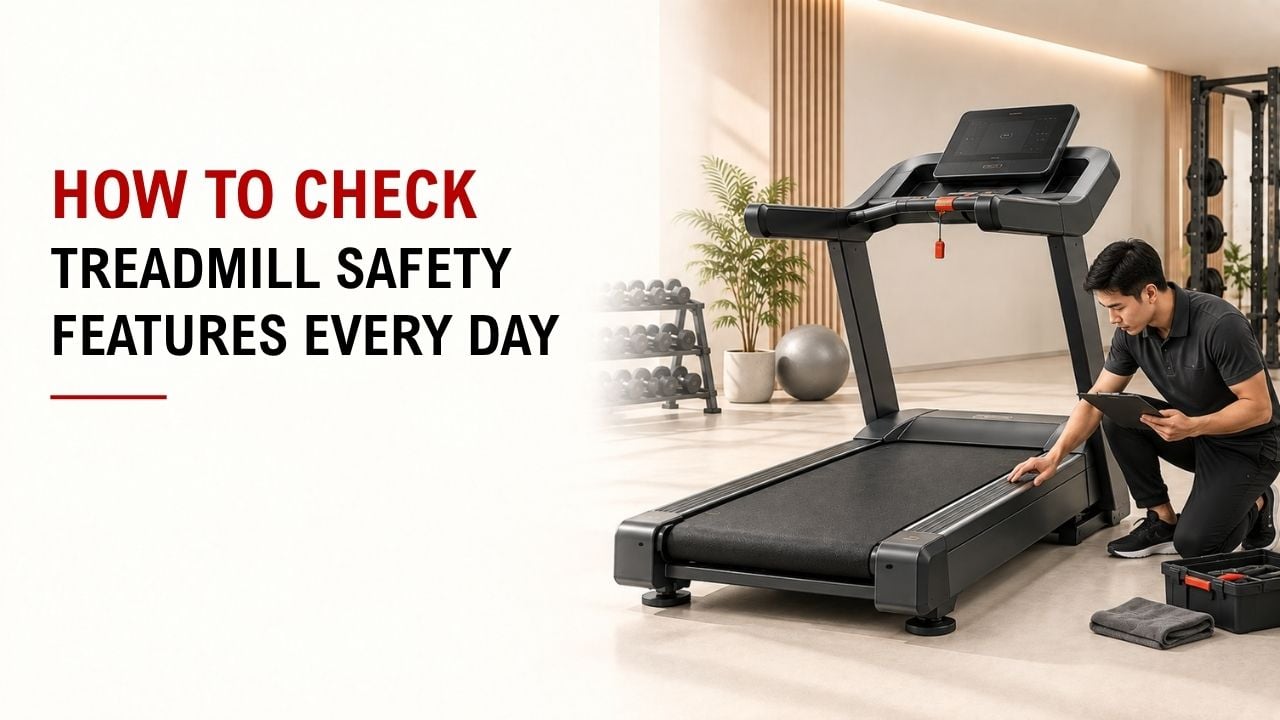

Have you ever stepped onto a treadmill and wondered if its safety features actually work? A quick check can help you spot problems before you start.
The simple answer is: test the emergency stop and safety key, then check the belt, handrails, controls, power cord, and surrounding area.
As the founder and chief designer of YR Fitness, I have spent decades working with commercial fitness equipment. In my experience, many treadmill problems show small warning signs before they become serious.
Below are eight quick checks you can make before every workout. They only take a moment and are easy to remember.
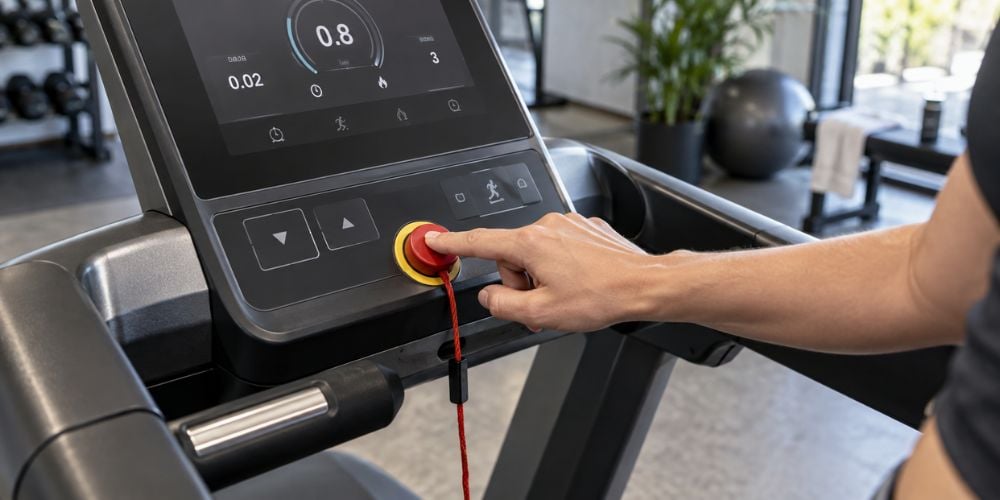
1. Check the Emergency Stop Button
Start with the emergency stop button. You want to know where it is before you need it.
Before your workout:
- Find the emergency stop button.
- Make sure you can reach it easily.
- Start the treadmill at a very low speed.
- Press the button and confirm that the belt stops.
The treadmill should respond normally. If the button sticks, looks damaged, or fails to stop the machine, do not continue your workout.
I prefer checking this before increasing the speed. It takes a few seconds and confirms that one of the treadmill’s main safety controls is working.
2. Test the Safety Key and Clip
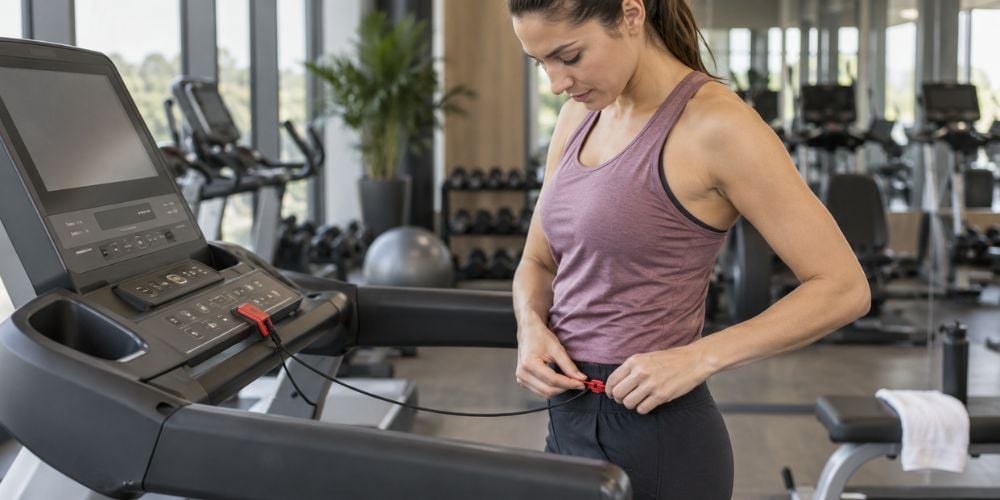
See the small key with a cord hanging from the console? Do not ignore it.
The safety clip attaches to your clothing so the key can be pulled free if you move too far away from the console. The Precor treadmill safety guide, for example, tells users to attach the safety clip before each workout because removing the magnetic key stops the running belt.
Check that:
- The key fits securely into the console.
- The cord is not damaged or badly stretched.
- The clip holds firmly to your clothing.
- Removing the key stops the treadmill.
Do not leave the clip hanging from the console while exercising. Attach it to your clothing, especially before running at higher speeds.
What if the key keeps falling out? Use another treadmill and report the problem.
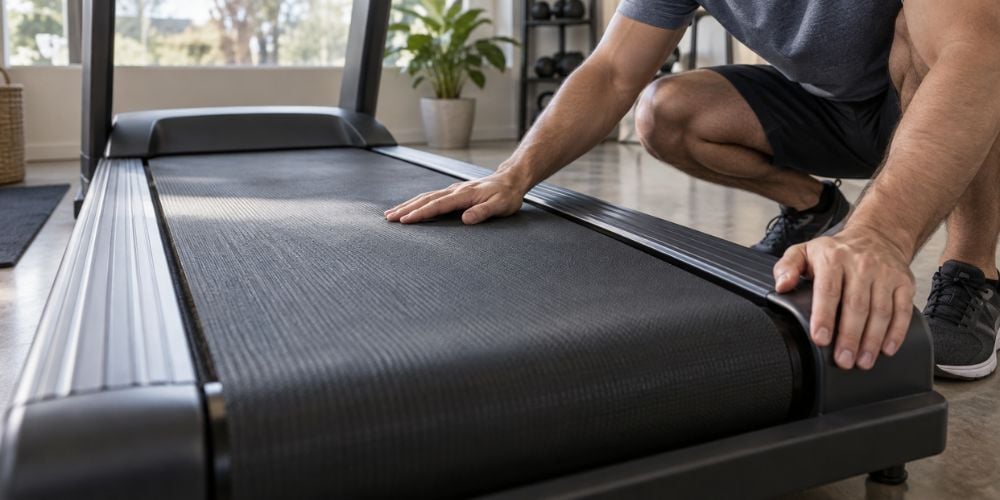
3. Inspect the Walking Belt
Look at the belt before stepping onto it.
Check for:
- Frayed or damaged edges
- Cuts or cracks
- Uneven surfaces
- A belt sitting noticeably off-center
- Loose areas
Then start the treadmill slowly and watch the belt for a few seconds. It should move smoothly without shifting noticeably from side to side.
Routine treadmill maintenance guidance from Precor also includes inspecting the running deck and belt, checking belt condition, and checking tracking and alignment.
What if the belt looks fine but slips under your feet? Stop using it. A slipping belt can make it much easier to lose your balance.
4. Check the Handrails
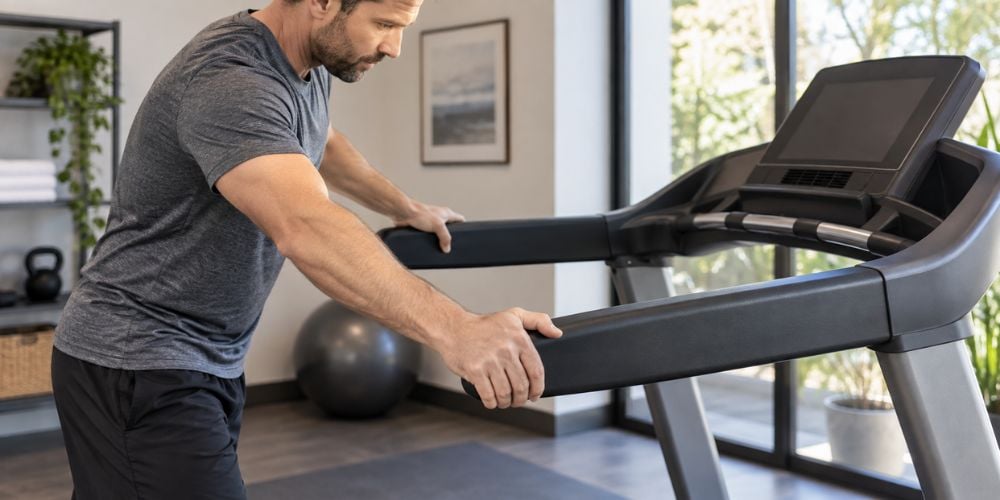
Hold each handrail and give it a gentle push or pull.
Look for:
- Loose movement
- Cracked grips
- Sharp edges
- Damaged plastic
- Unstable mounting points
The rails should feel firm.
You may not hold them throughout your workout, but they should be reliable when you step on, slow down, or stop. Precor’s user guidance also recommends using a handrail for balance when getting on or off the treadmill.
If a handrail feels loose, use another treadmill until it has been checked.
If you want to see how stability, controls, and heavy-use construction come together in commercial cardio equipment, explore YR Fitness treadmill and fitness equipment. We focus on practical designs that can handle frequent daily training without complicating the user experience.
5. Test the Speed and Incline Controls
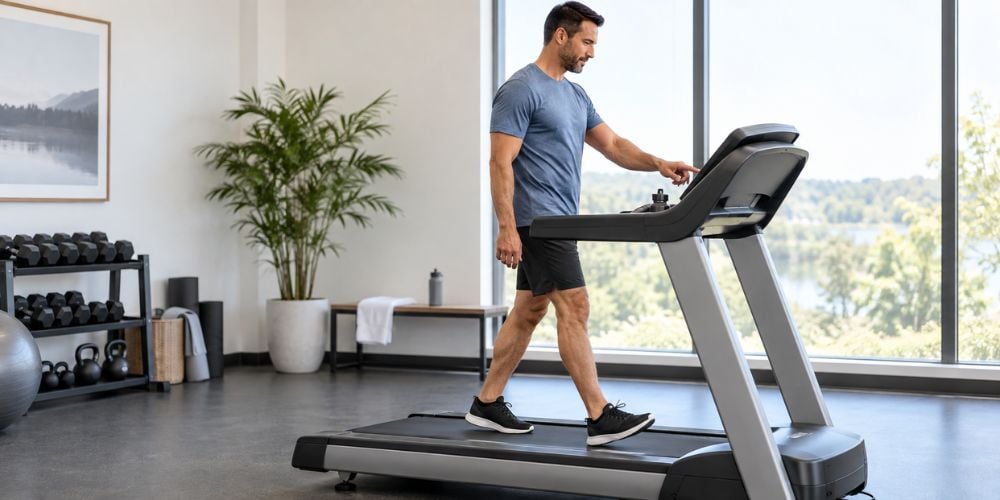
Do not start by jumping straight to a high speed. Walk slowly first and test the controls.
Try:
- Increasing the speed slightly.
- Reducing the speed again.
- Raising the incline.
- Returning the incline to a lower position.
Each change should feel smooth and predictable.
Watch for sudden speed changes, delayed buttons, jerky incline movement, or controls that do not respond. These are not things to “see if they get better” during your workout.
I often recommend testing the controls while you are still walking. It is much easier to react to a problem at low speed than halfway through a fast run.
6. Check the Display and Warning Indicators
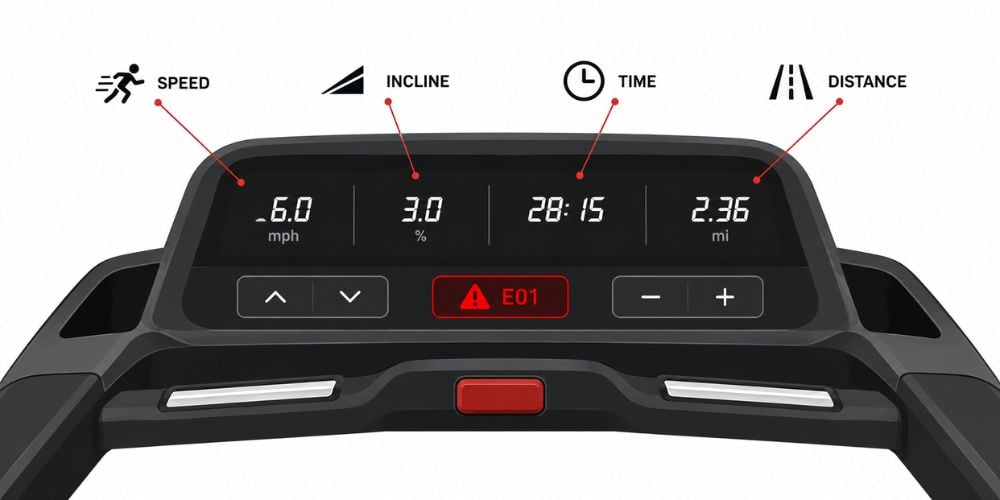
Take a quick look at the console when the treadmill starts.
Make sure important information appears normally:
- Speed
- Incline
- Workout time
- Distance
Also, look for warning lights, error messages, or numbers that do not make sense.
A strange display does not automatically mean the treadmill is dangerous. But if the speed reading is wrong, controls stop responding, or the same error keeps returning, stop and tell gym staff.
If you are using your own treadmill, you can also search the CPSC recalls and product safety warnings database for your model when something seems unusual. The database is updated as recalls and warnings are announced.
7. Inspect the Power Cord and Plug
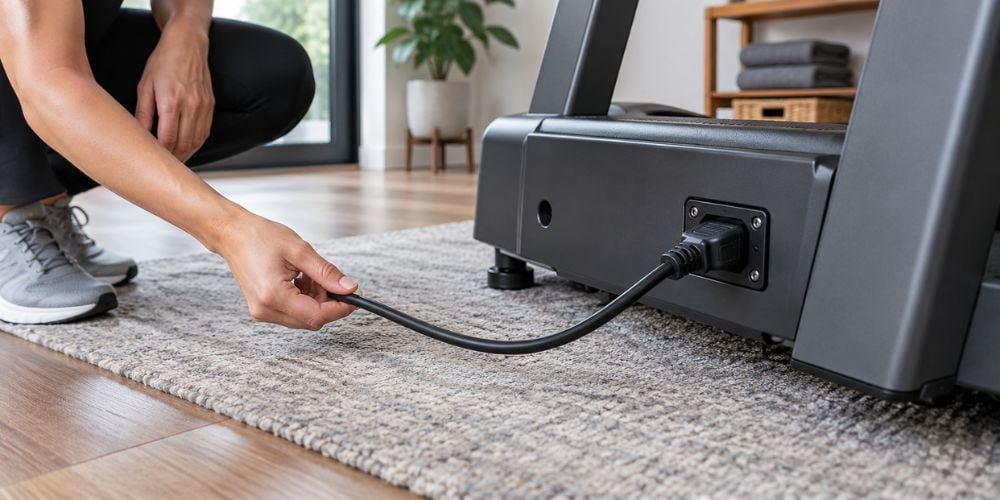
You do not need to touch electrical connections while the treadmill is running. Just look at the visible cord and plug area.
Watch for:
- Cuts in the cable
- Exposed wires
- Crushed sections
- Loose plugs
- Signs of overheating
- A cord crossing the walking area
Precor’s maintenance guidance specifically includes checking that the treadmill power cord is not damaged or trapped underneath the machine.
If you notice sparks, exposed wiring, a burning smell, or obvious electrical damage, do not use the treadmill.
I often see people assume a small cord problem can wait. Electrical damage is one of those cases where it is better to stop and let qualified staff or a technician handle it.
8. Check the Area Around the Treadmill
The treadmill itself can be working normally while the space around it creates the problem.
Before pressing Start, make sure:
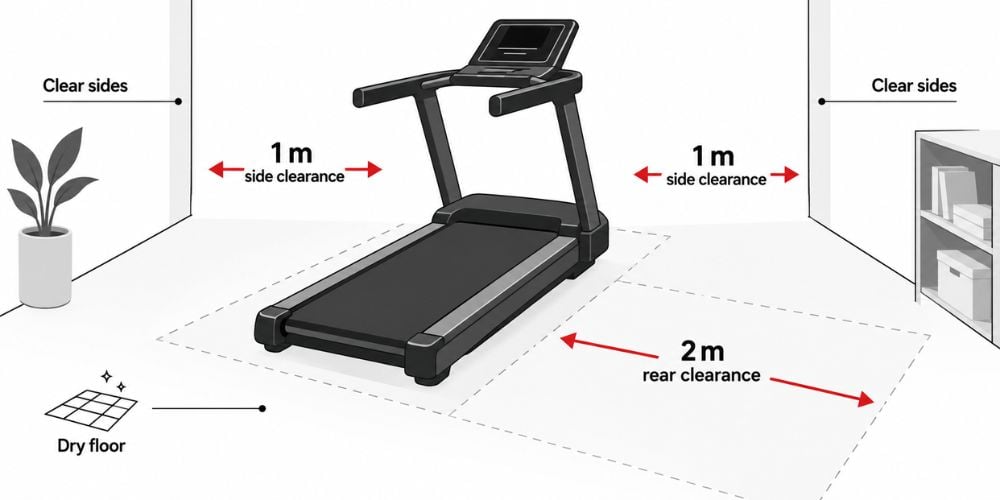
- The floor is dry.
- Bags and bottles are out of the way.
- Loose weights are not nearby.
- Nothing blocks the sides.
- There is clear space behind the treadmill.
How much space do you need? Follow the manual for the treadmill you are using, because requirements can vary by model.
As one example, a Precor TRM 211 manual specifies at least 40 inches (1 meter) on each side and 80 inches (2 meters) behind the treadmill.
Conclusion
Treadmill safety checks do not need to slow down your workout. Test the emergency controls, look over the belt and handrails, check the console and power cord, and make sure the space around you is clear.
If you want to learn more about treadmills and fitness equipment designed for dependable daily training, take a look at YR Fitness. We build commercial equipment around stable operation, practical design, and the demands of regular everyday use.
Related articles: