





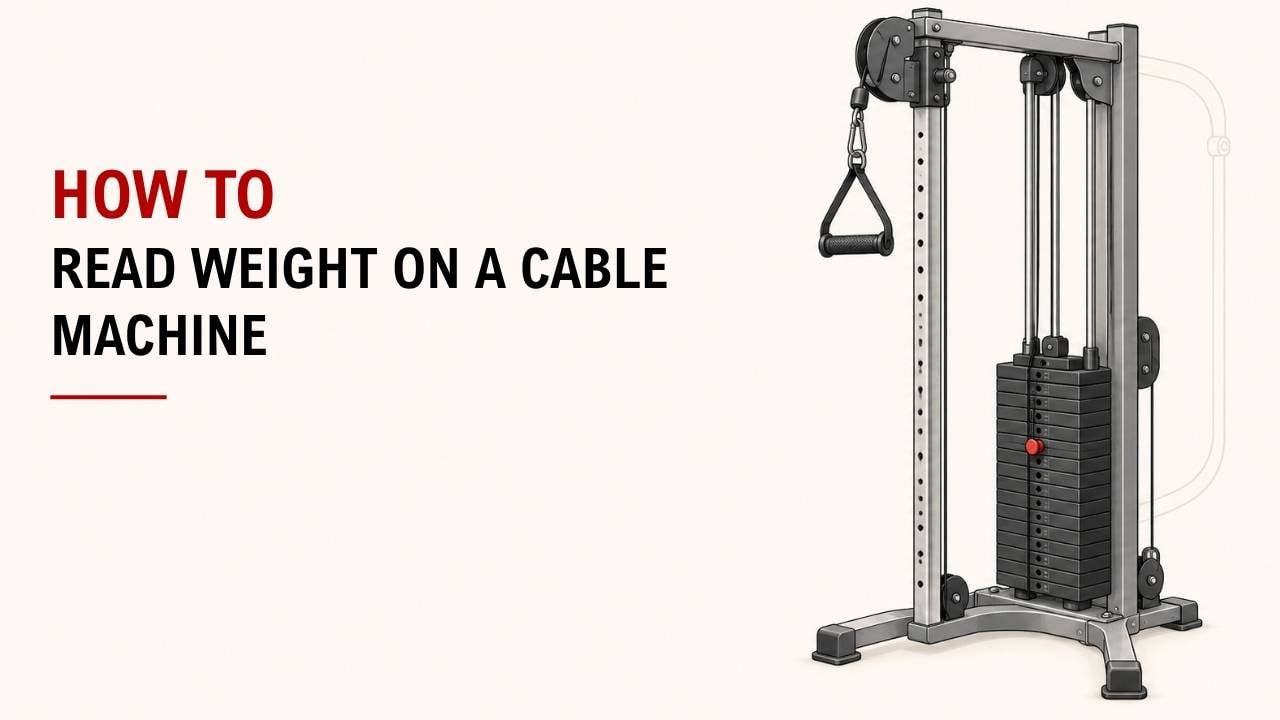

Ever look at a cable machine and wonder if the number on the stack is the weight you are actually lifting? It is a common question because the answer depends on more than the number you see.
The quick answer is: check the selected stack weight, then check the pulley ratio. A 40 kg setting might give you about 40 kg, 20 kg, or another resistance depending on the cable system.
As an Exercise Physiology & Biomechanics Expert at YR Fitness, I study how pulley systems, resistance, and movement paths affect exercise. I often see people record cable weights without realizing that the machine design can change what they actually feel at the handle.
Below, I’ll show you six quick checks for reading cable-machine weight correctly. Start with the weight stack, then work your way down.
1. Find the Weight Stack
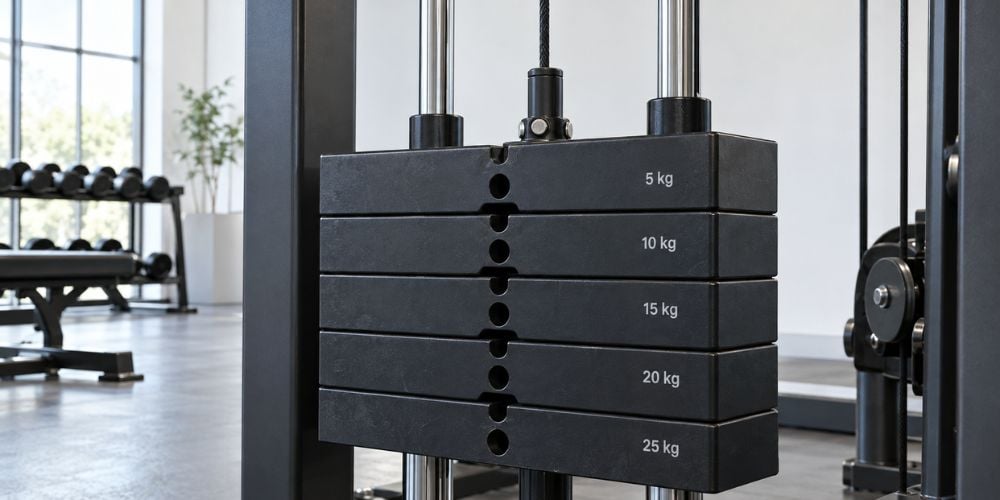
First, find the stack of rectangular plates connected to the cable.
Look at the numbers printed beside the plates. You may see:
- 10, 20, 30, 40, 50 lb
- 5, 10, 15, 20, 25 kg
- Both pounds and kilograms
These numbers show the selected weight at the stack.
Quick check: pounds or kilograms?
Do not assume. Read the unit before recording your workout.
Also, the first plate may have a different value from the plates below it. I recommend reading the printed number instead of simply counting plates.
What to Check | What It Tells You | Why It Matters |
Weight number | Selected stack weight | Gives you your basic workout reference |
lb or kg | Measurement unit | Stops you recording the wrong weight |
Selector pin | Which plates are connected | Confirms the selected load |
Pulley ratio | How the stack weight is transferred | Helps estimate handle resistance |
Cable side | Shared or independent resistance | Matters on dual-cable machines |
Once you have the stack number, move to the selector pin.
2. Check Where the Selector Pin Is Inserted
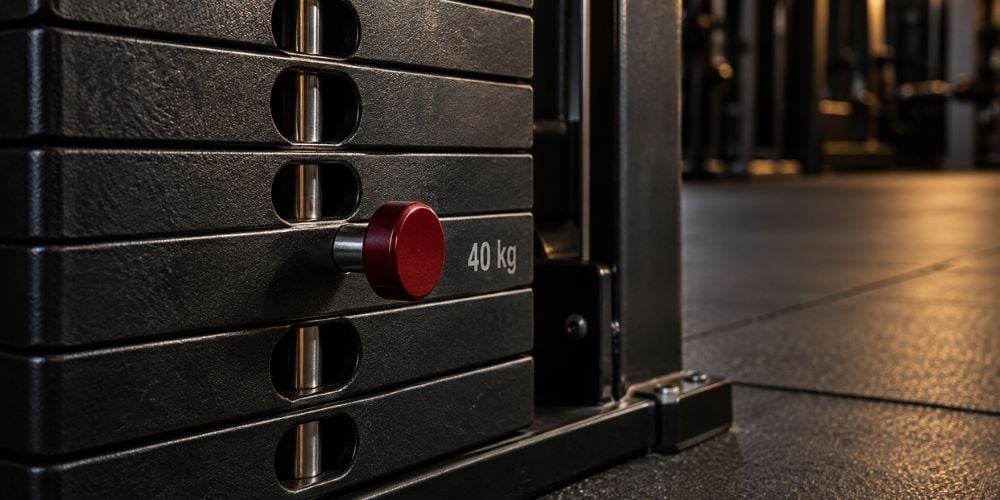
The selector pin connects the selected plate with the plates above it.
If the pin is beside 40 kg, you have selected 40 kg from the stack.
Simple enough, right?
There is one catch: 40 kg on the stack does not always mean 40 kg at the handle.
The cable may travel through several pulleys before reaching your hand. Those pulleys can change the resistance you actually feel.
That is why the next step matters most.
3. Check the Pulley Ratio
The pulley ratio tells you how the stack weight translates into resistance at the handle.
Here is the simple version:
Pulley Ratio | Stack Setting | Approx. Handle Resistance |
1:01 | 40 kg | 40 kg |
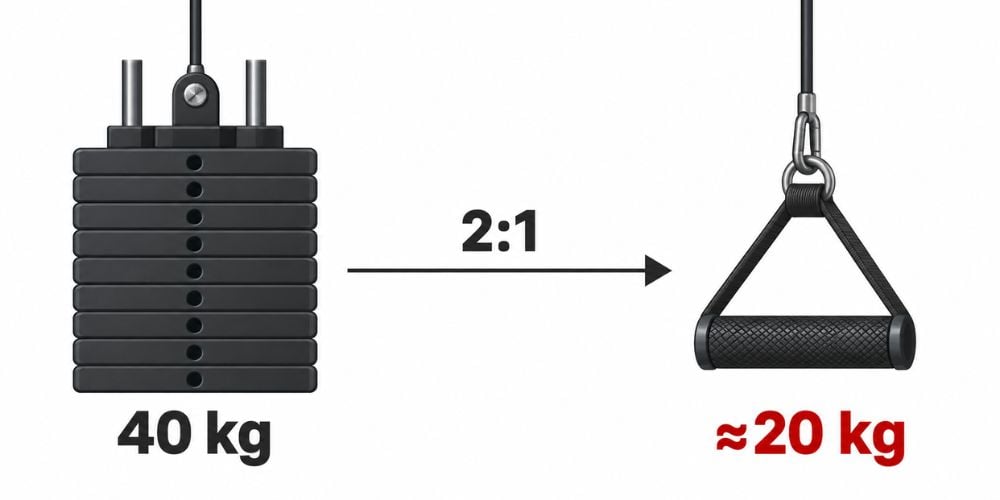
2:01 | 40 kg | 20 kg |
4:01 | 40 kg | 10 kg |
A 1:1 ratio gives you roughly the full selected resistance.
A 2:1 ratio gives you roughly half.
A 4:1 ratio gives you roughly one-quarter.
This is not just theory. Life Fitness lists its Axiom Dual Adjustable Pulley with a 2:1 resistance ratio, two 165 lb stacks, and an effective user resistance of 80 lb per side.
One 2:1 design example also shows how a 70 kg stack selection can produce about 35 kg of training load.
Quick Formula
For a simple pulley system:
Handle resistance ≈ selected stack weight ÷ pulley ratio
So:
40 kg ÷ 2 = about 20 kg
Do you need to calculate this before every set?
No.
Once you understand the machine, use the stack setting as a consistent reference for your workouts.
4. Look for a Ratio Label on the Machine
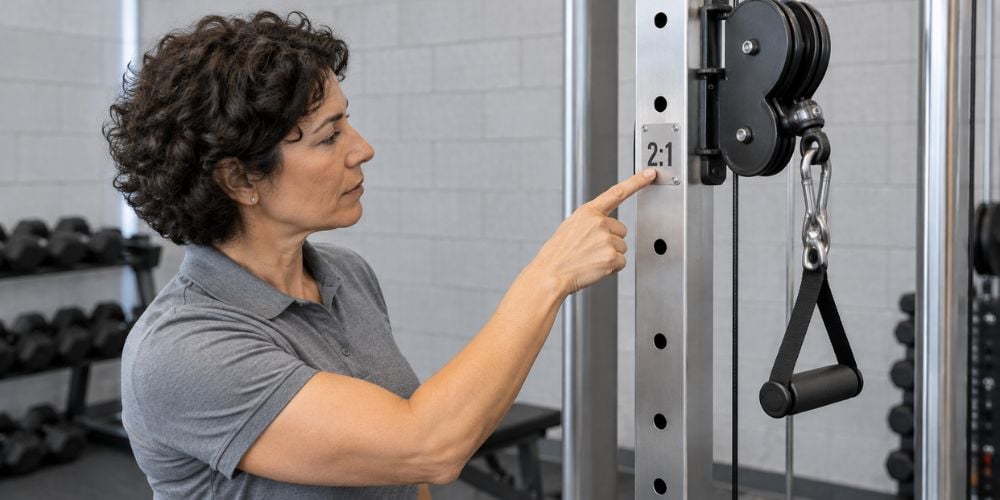
Not sure whether your machine is 1:1 or 2:1?
Check:
- The exercise instruction placard
- Weight-stack cover
- Frame near the pulleys
- Manufacturer specification label
- Equipment manual
Some machines clearly state 1:1, 2:1, 3:1, 4:1, or another ratio.
For example, Freemotion lists its Dual Cable Cross Lite with two independent 210 lb (95.2 kg) stacks and a 3:1 cable ratio. That is a useful reminder that cable machines are not limited to the common 1:1 and 2:1 setups.
What if there is no ratio label?
Do not overthink it.
Check the manufacturer’s specifications if they are available. If not, simply record the stack setting and use the same machine when you compare your progress.
At YR Fitness, we pay attention to pulley output, cable travel, weight-stack configuration, and movement path when designing cable equipment. If you want to see how these parts come together on an actual machine, explore our cable crossover range and compare the different layouts.
5. Do Not Compare Stack Numbers Between Different Machines
Suppose you can row 50 lb on Machine A, but 40 lb feels harder on Machine B.
Did you suddenly get weaker?
Probably not.
Different cable machines can feel different because of:
- Pulley ratios
- Cable routing
- Cable angles
- Friction
- Pulley size
- Attachments
- Machine condition
- Range of motion
This is one of the biggest mistakes I see when people track cable exercises.
Instead of thinking:
“I can cable row 50 lb.”
Think:
“I can row 50 lb on this machine for 10 controlled reps.”
That is a much better training reference.
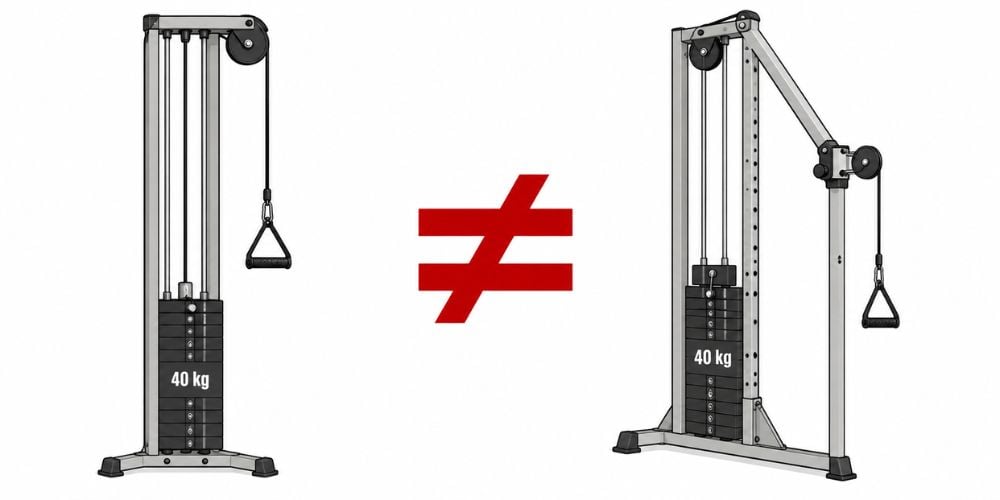
Here is why this matters: changing machines can change the mechanical setup even if the number beside the selector pin looks identical.
For normal training, I would treat each machine as its own reference point.
6. Check Whether Both Cable Arms Share Weight
Using a dual-cable machine?
Check whether each side has its own weight stack or whether both handles work through one shared resistance system.
For example:
- Left stack: 20 kg
- Right stack: 20 kg
That does not automatically mean each arm is pulling 40 kg.
On some machines, each handle connects to its own stack. Freemotion’s Dual Cable Cross Lite, for example, uses two independent stacks, so resistance can be selected separately for each handle.
The pulley ratio can still reduce the resistance reaching each handle.
Other machines use different cable-routing arrangements. That is why I always suggest reading the machine label rather than assuming every dual-cable setup works the same way.
What Should You Record?
Keep your workout log simple.
Record This | Example | Why |
Machine | Cable Station A | Helps you compare like with like |
Stack setting | 40 kg | Tracks resistance |
Cable height | Shoulder height | Keeps your setup consistent |
Attachment | Single handle | Different attachments can change feel |
Reps | 10 | Helps measure progress |
Pulley ratio, if known | 2:01 | Adds useful resistance context |
You usually do not need to calculate the exact handle resistance every workout.
Consistency is more useful.
If you use the same machine, same cable position, same attachment, and better form while gradually adding weight or reps, you have a clear way to track progress.
Conclusion
Reading cable-machine weight is straightforward once you know what to check. Find the stack weight, check the selector pin, identify the pulley ratio, and see how the cables are connected.
Remember that the number on the stack is not always the exact resistance at your hand. I use it mainly as a consistent training reference, especially when comparing workouts on the same machine.
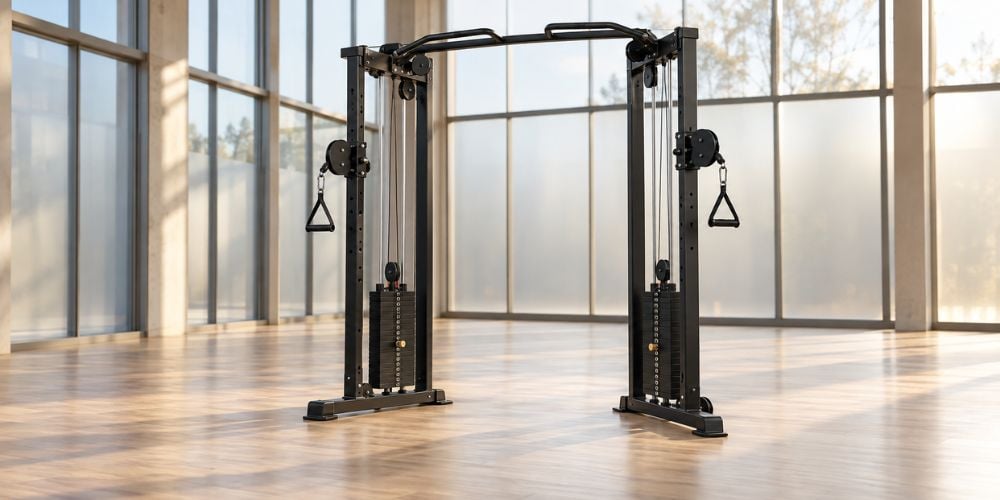
At YR Fitness, our cable machines are built around factors such as pulley systems, cable travel, weight stacks, and smooth movement paths. If you want to see these features in real equipment, take a look at our 61A32 Cable Crossover or browse the full cable range before your next equipment comparison.
Related articles: