
Have you ever struggled to change your treadmill speed or read your workout numbers while exercising? A confusing console can make even a simple workout frustrating.
Good console design makes cardio equipment easier, safer, and more comfortable to use. Clear screens, accessible buttons, and simple controls help you focus on exercising instead of figuring out the machine.
As an Ergonomics Engineer at YR Fitness, I understand how equipment design affects comfort and usability. I’ve seen how small details, like button placement and screen visibility, can make workouts smoother.
In this guide, I’ll explain six ways console design affects your cardio workouts. You’ll also learn what to look for when using a treadmill, exercise bike, or elliptical.
1. Screen Size and Readability
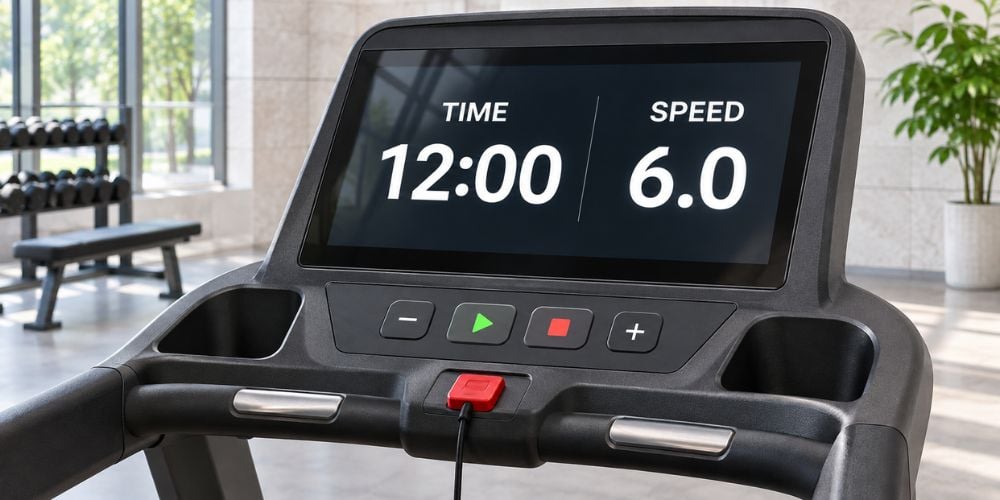
Your console screen should be easy to read while you’re moving. If the numbers are too small or the display is crowded, checking your progress becomes difficult.
A good console should have:
- Large numbers: Make speed, time, and distance easy to read.
- Clear contrast: Keep workout information visible under different lighting conditions.
- Simple layout: Show important numbers without unnecessary details.
- Comfortable viewing angle: Let you check the screen without bending your neck.
For example, when running on a treadmill, you should be able to check your speed with a quick glance.
This follows a basic principle of user interface design: important information should be easy to see and understand.
How it affects your workout: A readable screen helps you track your progress without losing focus.
2. Button Placement and Ease of Use
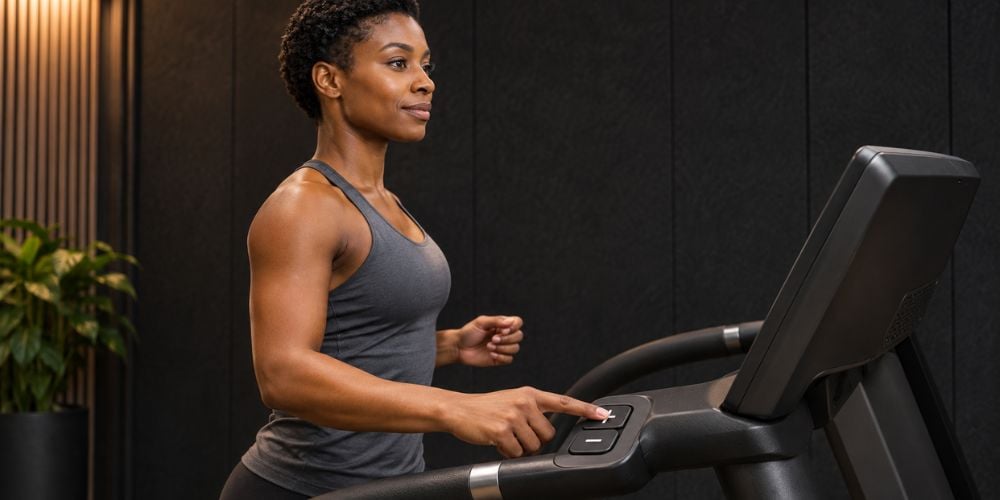
Have you ever pressed the wrong button while trying to increase your treadmill speed? Poorly placed controls can make simple adjustments harder than they should be.
Look for buttons that are:
- Easy to reach: You shouldn’t need to stretch forward.
- Clearly labeled: Speed, incline, and resistance controls should be easy to identify.
- Large enough to press: Buttons should be comfortable to use while moving.
- Quick to respond: Adjustments should register without repeated pressing.
In my experience, simple controls often make a bigger difference than extra features.
For example, quick-speed buttons let you change your running pace without repeatedly pressing the increase or decrease controls.
How it affects your workout: Well-placed buttons help you adjust your workout without breaking your rhythm.
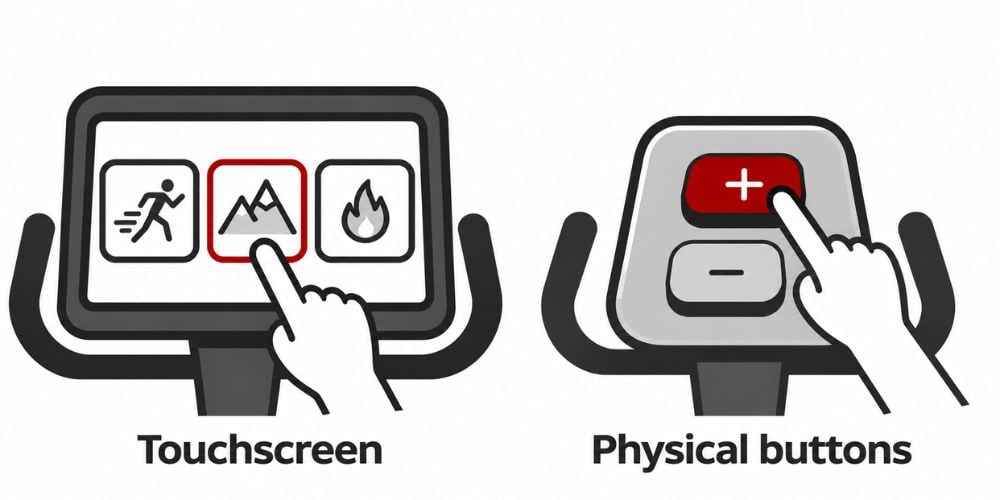
3. Touchscreen vs. Physical Buttons
Some cardio machines use touchscreens, while others have physical buttons. Both can work well, depending on how you exercise.
Here’s a quick comparison:
Feature | Touchscreen | Physical Buttons |
Workout selection | Easy to browse programs | Usually simpler options |
Adjustments while moving | May need more attention | Often easier to press |
Display features | Shows detailed information | Usually more basic |
Ease of use | Depends on menu design | Simple with clear labels |
Best for | Interactive workouts | Quick adjustments |
Which is better for you?
Touchscreens are useful for choosing workout programs and reviewing detailed information. Physical buttons are often easier to use when changing speed or resistance quickly.
My recommendation: Choose a console with a clear display and easy-to-reach physical controls for important adjustments.
For example, you can compare the YV8T treadmill with a 21.5-inch touchscreen with models that use a standard LED display.
At YR Fitness, we offer cardio machines with different console designs because we know that everyone has different workout preferences. Whether you prefer a simple LED display or an interactive touchscreen, we want you to find controls that feel comfortable and easy to use.
Explore Our Treadmill Collection to compare display styles, workout programs, and console features before choosing your next machine.
4. Workout Data Display
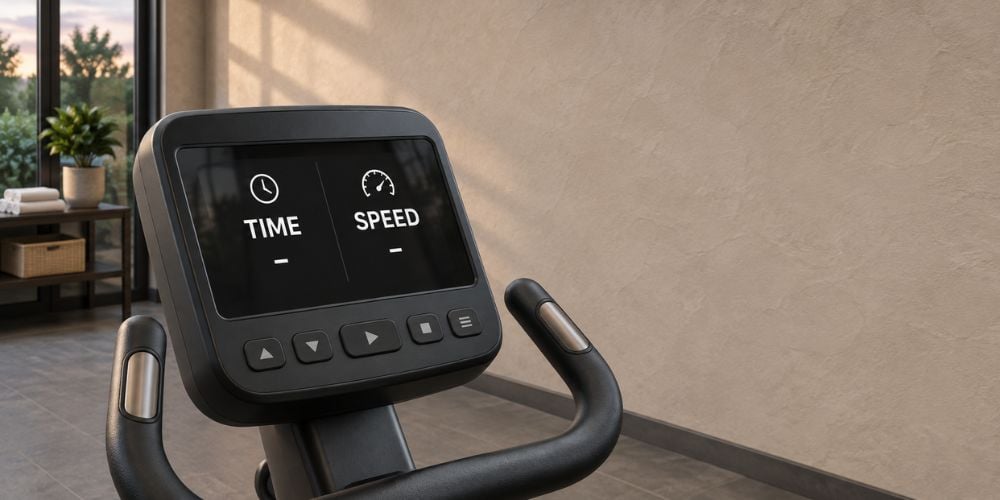
Your cardio console shows numbers like time, speed, distance, and calories. However, too much information on one screen can make it difficult to find what matters.
Here’s what each workout metric tells you:
Workout Data | Why It Matters |
Time | Shows how long you’ve exercised |
Speed | Helps you maintain your pace |
Distance | Tracks how far you’ve traveled |
Heart Rate | Helps you monitor exercise intensity |
Calories | Estimates energy expenditure |
Resistance or Incline | Shows your workout difficulty |
Which numbers should you focus on?
It depends on your workout. During interval training, speed and time are usually more useful than constantly checking calories.
For example, the YV8 commercial treadmill uses an LED console that displays speed, distance, time, incline, heart rate, calories, and program information.
You can monitor these measurements without switching between several screens.
How it affects your workout: A clear data display helps you monitor your performance and make adjustments without getting distracted.
5. Console Navigation and Workout Programs
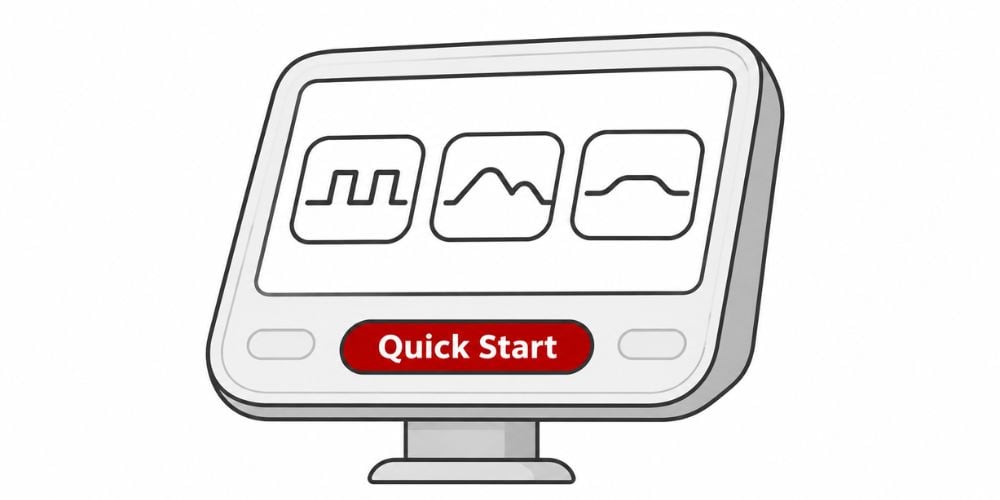
You shouldn’t need to press several buttons just to start walking or cycling. A good console makes starting and managing your workout simple.
Look for these features:
- Quick Start: Begin exercising with minimal setup.
- Simple menus: Find workout programs without searching through multiple screens.
- Preset workouts: Choose options like intervals, hills, or endurance training.
- Easy adjustments: Change settings without restarting your session.
For example, if you only have 20 minutes to exercise, a Quick Start button helps you begin right away.
I’ve noticed that beginners often feel more comfortable using machines with straightforward menus. They can focus on exercising instead of learning complicated controls.
Some treadmills also offer preset speed programs. These can be helpful when you want a structured workout without manually adjusting your pace throughout the session.
How it affects your workout: Easy navigation saves time and makes cardio equipment less confusing, especially for beginners.
6. Safety and Accessibility
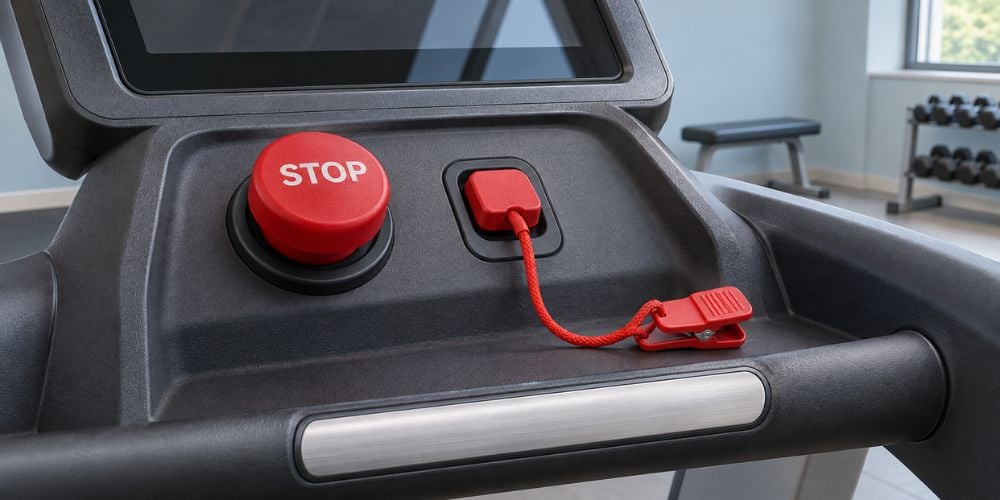
A cardio console should also help you exercise safely. Important controls must be easy to find, especially when you’re moving quickly.
Check for these features:
- Accessible emergency stop: Treadmills should have an easy-to-identify emergency stop control.
- Readable labels: Important buttons should be easy to recognize.
- Comfortable screen height: You shouldn’t need to bend your neck to see the display.
- Simple speed controls: Adjustments should be easy without looking down for too long.
- Clear feedback: The console should show when settings have changed.
For example, if your treadmill suddenly feels too fast, you should be able to slow down or stop the machine quickly.
From an ergonomics perspective, I consider easy access to safety controls one of the most important parts of console design.
Accessibility matters, too. The U.S. Access Board’s guidance on exercise equipment discusses accessible routes and floor space around fitness machines. While this guidance does not require exercise consoles to meet specific control standards, it highlights the importance of making exercise equipment accessible to more users.
How it affects your workout: Accessible controls reduce distractions and help you respond quickly when you need to adjust or stop your exercise.
How to Tell if a Cardio Console Is Easy to Use
Before starting your next workout, take a few seconds to check the console.
What to Check | A Good Sign |
Screen | Numbers are readable at a glance |
Buttons | Controls are easy to reach |
Touchscreen | Menus respond and are easy to understand |
Workout data | Important metrics are clearly displayed |
Programs | You can start a workout quickly |
Safety | Stop controls are easy to locate |
Quick tip: Try changing the speed or resistance at a comfortable pace. If you can make adjustments without searching for buttons, the console is likely easy to use.
Also, check whether you can read your workout data without leaning forward. A comfortable screen position can make longer cardio sessions more pleasant.
Conclusion
Console design affects how comfortably and easily you use cardio equipment. Clear screens help you track progress, accessible buttons make adjustments easier, and simple menus help you start workouts faster.
You don’t need the most advanced console to enjoy a good workout. What matters is having controls that are easy to understand and comfortable to use.
If you’re comparing cardio machines, explore the YR Fitness cardio equipment collection. Compare the displays, controls, and workout features to find equipment that makes your training easier.
Related articles: