





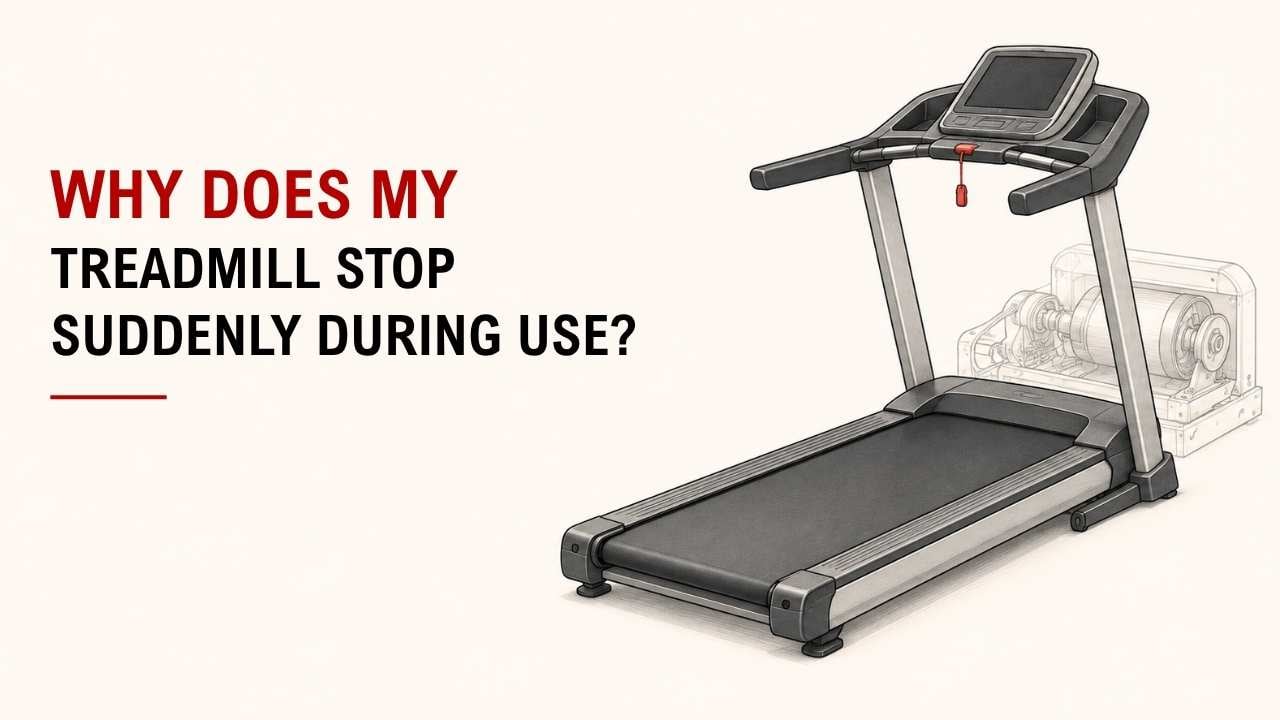

Has your treadmill ever stopped in the middle of a workout? It is frustrating when you do not know why.
The quick answer is simple: check the belt, lubrication, safety key, power supply, overheating, drive belt, and motor. Start with the easiest checks first.
As the founder and chief designer of YR Fitness, I have spent decades working with treadmill design and commercial fitness equipment. In my experience, sudden stopping usually comes with a few clear warning signs.
Below are seven common reasons your treadmill may stop during use. Start at the top and work your way down.
1. The Treadmill Is Overheating
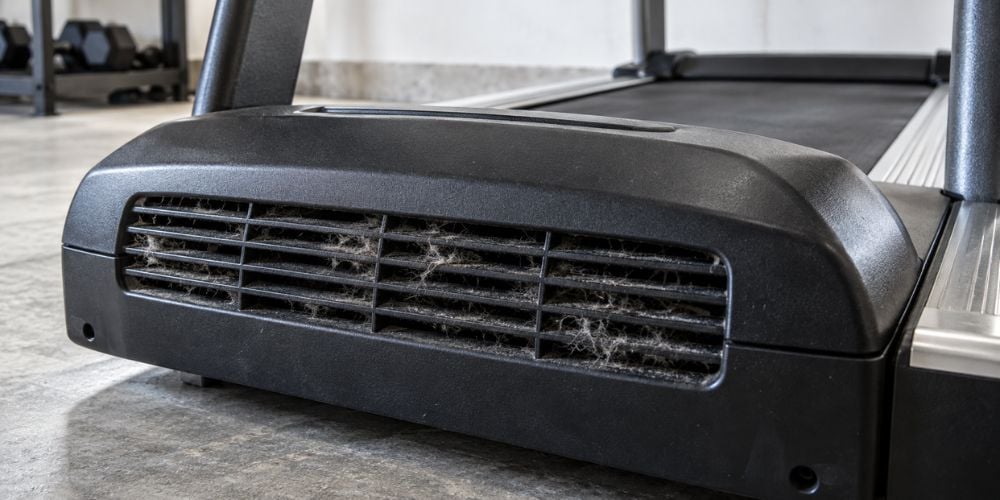
A treadmill may shut down when the motor or electronics become too hot. This is more common during long workouts or when airflow around the machine is poor.
Watch for these signs:
- It works normally at first.
- It stops after several minutes.
- The motor area feels unusually hot.
- It works again after cooling down.
What should you do?
Turn the treadmill off and let it cool. Check that dust, walls, or other objects are not blocking the ventilation areas.
If it keeps overheating, avoid repeatedly restarting it. The motor or controller may need inspection.
2. The Walking Belt Is Too Tight
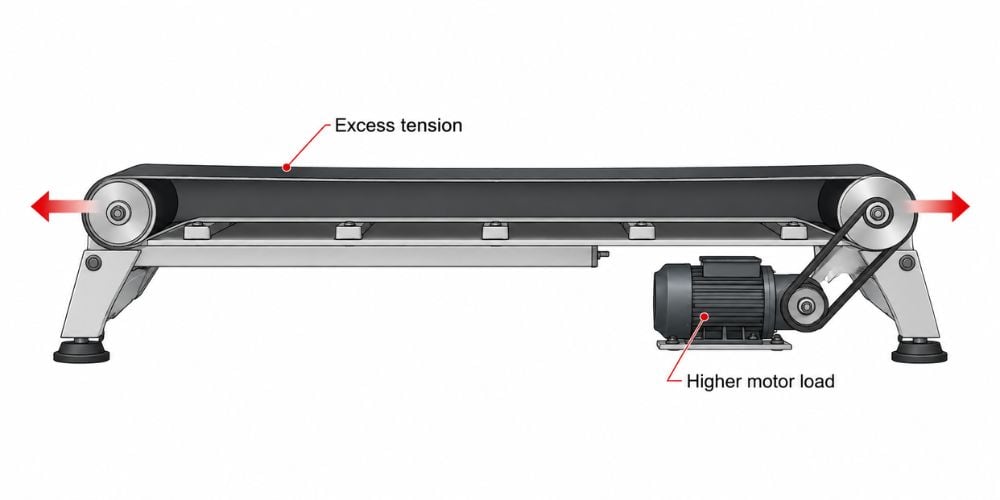
A walking belt needs enough tension to stay in place, but tighter is not always better. Too much tension creates extra resistance and makes the motor work harder.
Quick check: Does the belt move normally when nobody is on it but struggle when you step on?
If yes, belt tension is one of the first things to check. Treadmill manufacturers such as Precor also include running-belt alignment and adjustment as part of their maintenance guidance.
Here is why this matters: the belt, rollers, motor, and running deck all work as one system. A problem in one part can make the whole treadmill feel weak.
3. The Belt or Deck Needs Lubrication
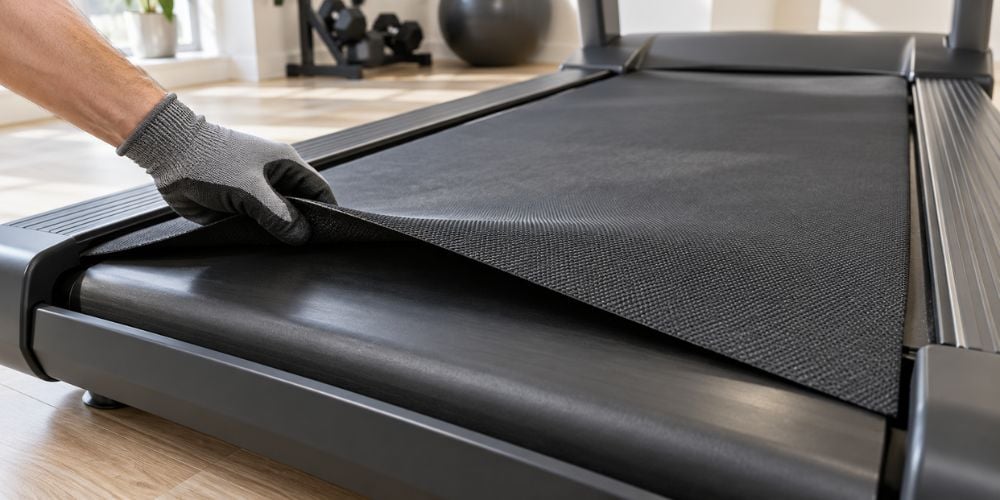
A dry walking belt creates more friction against the running deck. That extra friction can make the treadmill slow down, heat up, or place more load on the motor.
Common signs include:
- A dry or rough feeling under the belt
- More belt noise than usual
- Extra heat
- Slowing when you walk or run
Should you add lubricant right away?
Not always. First check your treadmill’s lubrication instructions because some decks use silicone lubrication while others use waxed, maintenance-free surfaces.
For example, Horizon recommends periodic lubrication on certain models and notes that poor lubrication can increase friction and contribute to premature wear of the belt, deck, motor, or electronics.
Use only the lubricant recommended by your manufacturer.
If your current treadmill keeps struggling with belt, deck, or drive-system problems, it may be worth comparing how other running systems are built. At YR Fitness, we design our commercial treadmills around the complete belt, deck, motor, and frame system rather than focusing on one specification alone, so you can compare the parts that actually affect daily running performance.
4. The Safety Key Is Loose
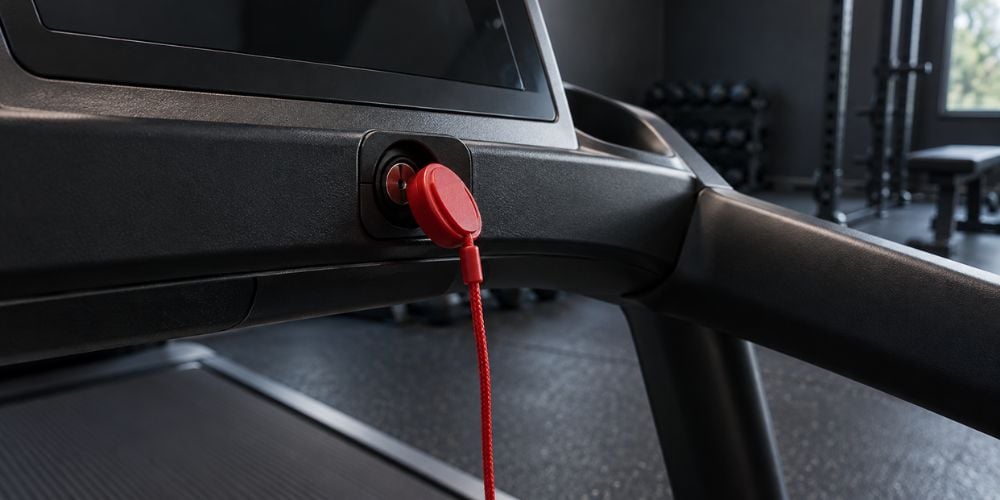
Before looking for a complicated fault, check the safety key. It is designed to stop the treadmill when it is removed.
Precor’s treadmill manual, for example, explains that pulling out the magnetic stop key causes the running belt to stop.
If your key becomes loose or loses contact during a workout, check these points:
- Push the safety key firmly into place.
- Check whether the magnet or clip is damaged.
- Make sure your movement is not pulling the safety cord.
- Restart the treadmill and see whether the problem returns.
I often recommend checking this early because it takes only a few seconds and requires no tools.
You can also review Horizon Fitness’s safety-key guidance, which recommends keeping the key securely in place and testing its operation regularly.
5. The Power Supply Is Unstable
Sometimes the treadmill is not a problem. The electricity reaching it may be unstable.
Possible causes include:
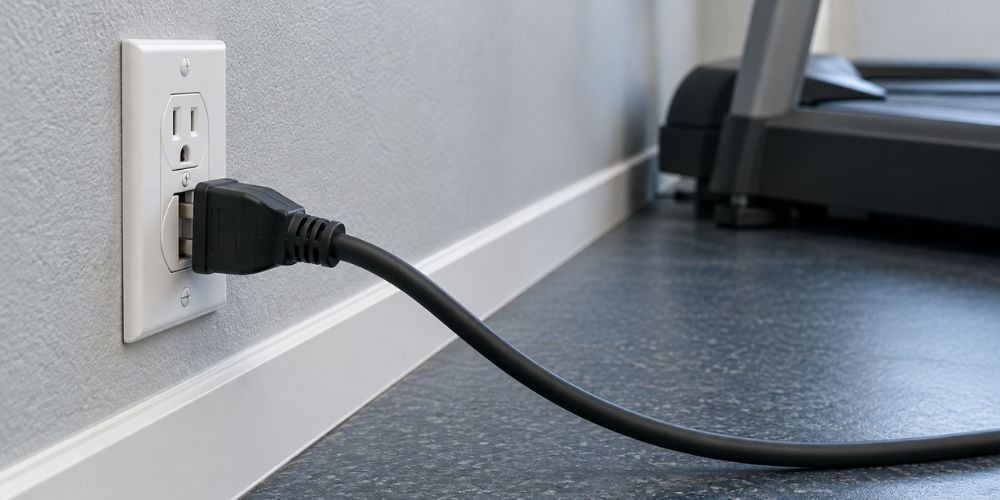
- A loose wall plug
- A damaged power cord
- An overloaded outlet
- A tripped breaker
- An unsuitable extension cord
- Fluctuating electrical supply
Ask yourself: Does the console also turn off when the belt stops?
If both the belt and display lose power, check the electrical supply first.
Horizon advises checking the circuit and avoiding extension cords or surge protectors on certain treadmill models when troubleshooting breaker trips. Precor also specifies a dedicated grounded circuit for its referenced treadmill models.
A loose power connection can also become a safety issue. In a 2026 treadmill recall, the U.S. Consumer Product Safety Commission reported that loose power-cord connections on specific Matrix and Vision models could overheat and create a fire hazard.
See sparks, damaged wiring, or repeated breaker trips? Stop using the treadmill until it is checked.
6. The Drive Belt Is Loose or Worn
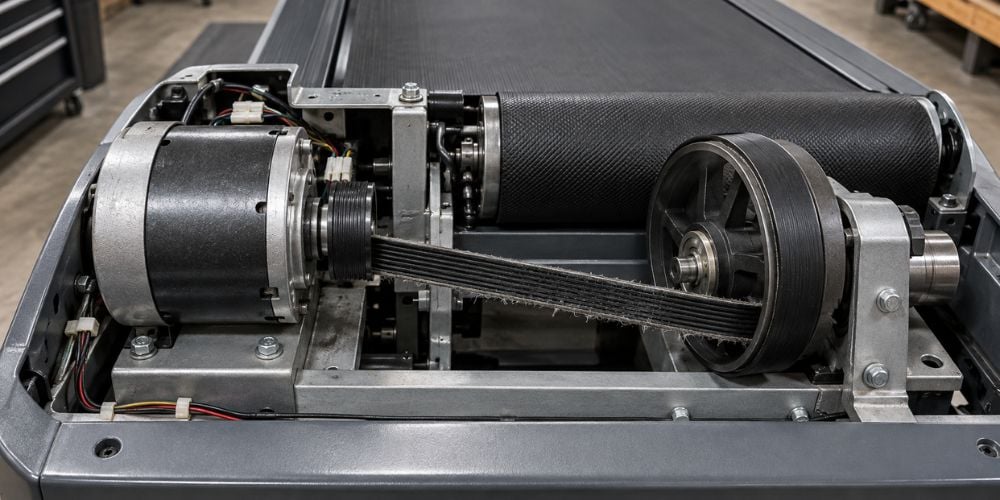
The walking belt is not the only belt inside your treadmill. A drive belt connects the motor to the front roller.
If that belt becomes loose, stretched, or worn, the motor may keep running while the walking belt slips or stops.
Look for:
- Sudden belt slipping
- Jerking when speed increases
- Squeaking near the front of the treadmill
- The motor running while the walking belt barely moves
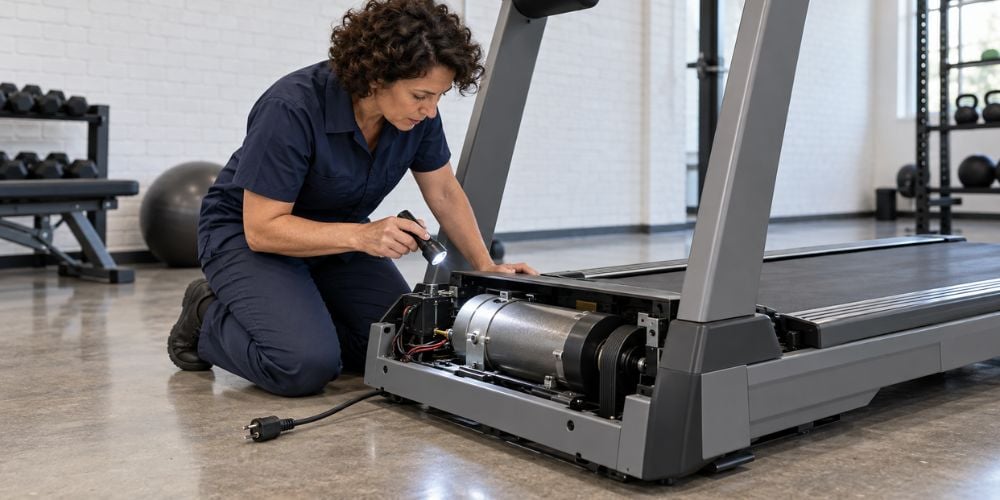
Checking the drive belt usually requires opening part of the machine. If you are not comfortable working around electrical or moving components, have a technician inspect it.
7. The Motor Is Struggling
If simple checks do not solve the problem, the motor may be struggling. A worn motor can have trouble maintaining speed once your body weight adds resistance to the belt.
You may notice:
- Repeated shutdowns
- Inconsistent speed
- Grinding or unusual motor noise
- Excessive heat
- A burning smell
If you smell burning or hear serious mechanical noise, stop using the treadmill.
In my decades of design experience, repeatedly restarting a machine with these symptoms rarely solves the actual problem. Professional inspection is the safer next step.
So, What Should You Check First?
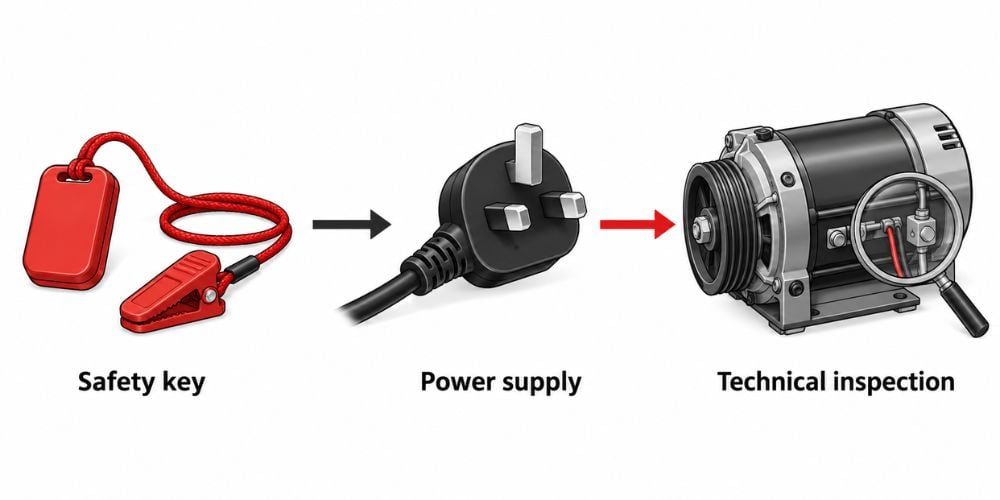
Keep troubleshooting simple. Start with the easiest checks and move toward the parts that require more technical work.
Order | What to Check | Why Start Here? |
1 | Safety key | Takes seconds to check |
2 | Plug and power supply | Easy to rule out |
3 | Walking-belt tension | Common cause of resistance |
4 | Belt lubrication | Friction can affect performance |
5 | Overheating | Cooling may reveal the pattern |
6 | Drive belt | Requires closer inspection |
7 | Motor | Usually needs technical diagnosis |
Starting in this order can save you from opening the treadmill unnecessarily.
Conclusion
A treadmill that suddenly stops does not automatically mean the motor is broken. A loose safety key, dry belt, excessive belt tension, overheating, or unstable power can cause the same problem.
Pay attention to when the treadmill stops and what happens immediately before it. Those small clues can tell you where to start looking.
If you want a treadmill built for smoother, more reliable daily training, at YR Fitness we can help you compare commercial treadmill options designed for demanding use. Explore the available models and find a running setup that better fits how often and how hard you train.
Related articles: