





Have you ever wondered how long a gym machine has been in use or how often it has been repaired? Without a record, it is easy to lose track.
The simple answer is to track its age, usage, maintenance, repairs, condition, and costs. A basic spreadsheet or equipment log is enough.
As a Machinery & Structural Engineer at YR Fitness, I work directly with machine structures, moving parts, wear points, and equipment durability. Over the years, I have seen how clear maintenance and repair records can reveal problems long before a machine becomes unreliable.
Below, I will show you the seven things worth tracking for every machine. Follow them in order to build a simple lifecycle record you can keep updated.
1. Create a Record for Every Machine
Start by giving every machine its own record.
You can use a spreadsheet, maintenance app, or simple digital document. Record:
- Equipment name
- Brand
- Model
- Serial number
- Purchase date
- Installation date
- Purchase price
- Supplier
- Location in the gym
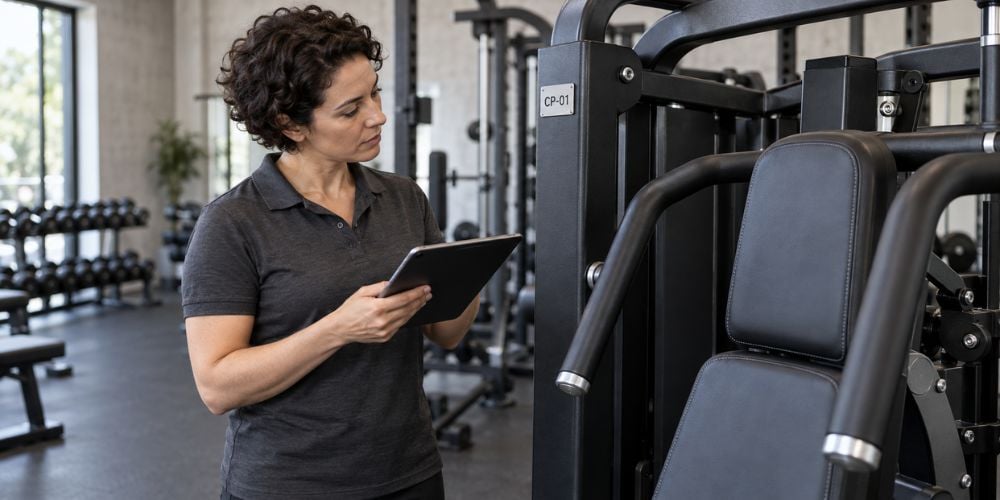
It also helps to give each machine a simple ID:
- Treadmill-01
- Treadmill-02
- Chest-Press-01
- Bike-03
Why use an ID?
Two machines may look exactly the same. An ID tells you immediately which one was inspected, serviced, or repaired.
I prefer keeping everything under one machine record. It is much easier than searching through separate invoices, emails, and maintenance notes later.
2. Record the Machine’s Age
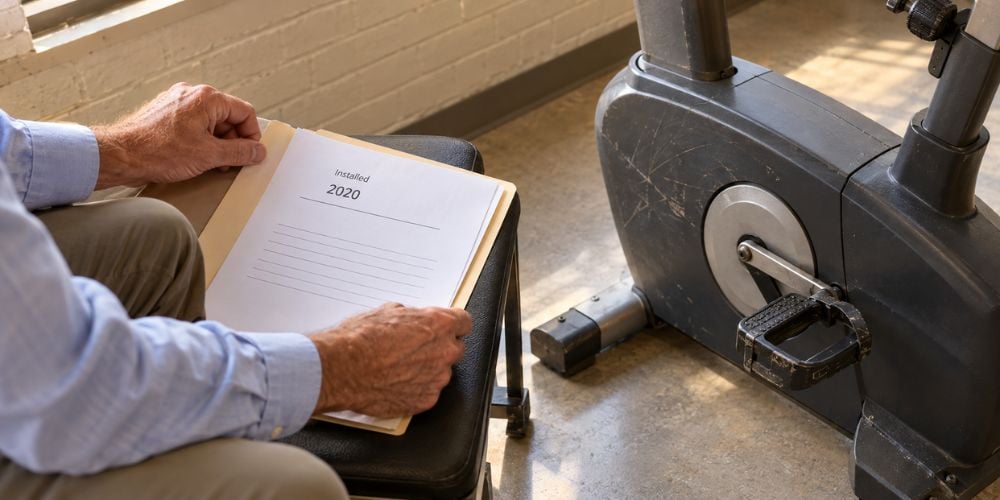
Next, track how long the machine has actually been in service.
Keep 2 dates:
- Purchase date: When you bought it.
- Installation date: When people started using it.
For lifecycle tracking, the installation date is often more useful.
Machine | Installed | Current Age | Usage | Condition |
Treadmill 01 | $2,021 | 5 years | Heavy | Good |
Chest Press | $2,023 | 3 years | Moderate | Fair |
Exercise Bike | $2,020 | 6 years | Heavy | Poor |
But does an old machine automatically need replacement?
No.
A 6-year-old machine with light use may still be in good condition. A newer machine used heavily every day may show much more wear.
Age gives you context. It should not be the only number you look at.
3. Track How Often the Machine Is Used
You do not need to count every repetition or every person who uses the machine.
A simple usage rating works:
- Low use: Used occasionally
- Moderate use: Used regularly throughout the day
- Heavy use: Used frequently for long periods
- Very heavy use: One of the busiest machines in the facility
Here is why this matters.
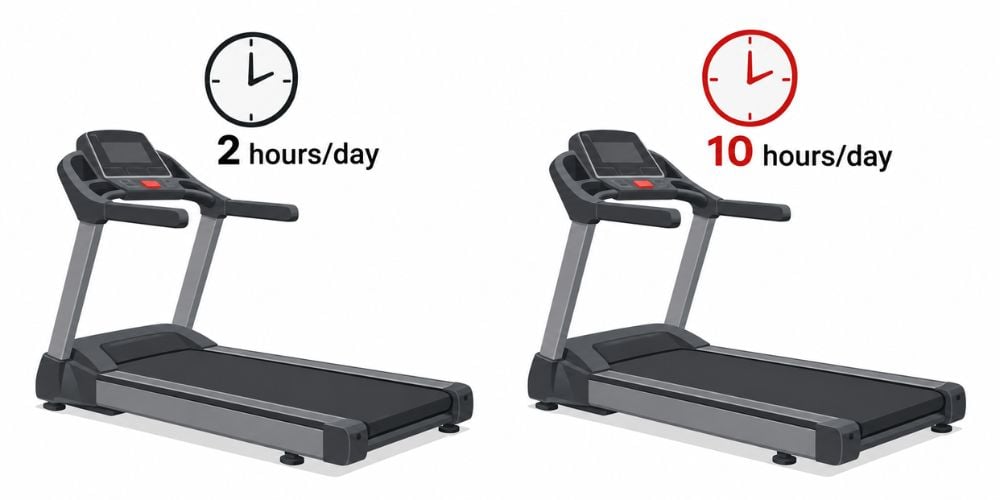
Think about two identical treadmills. One runs for two hours per day, while the other runs for ten.
Would you expect their belts, rollers, bearings, and drive components to age at the same speed?
Probably not.
That is why I always look at age and usage together. It gives you a much clearer picture of how hard the machine has actually worked.
4. Keep a Maintenance History
Now start recording maintenance.
This may include:
- Inspection dates
- Cleaning
- Lubrication
- Belt adjustments
- Cable inspections
- Bolt tightening
- Bearing checks
- Upholstery work
- Parts replaced
- Next scheduled service
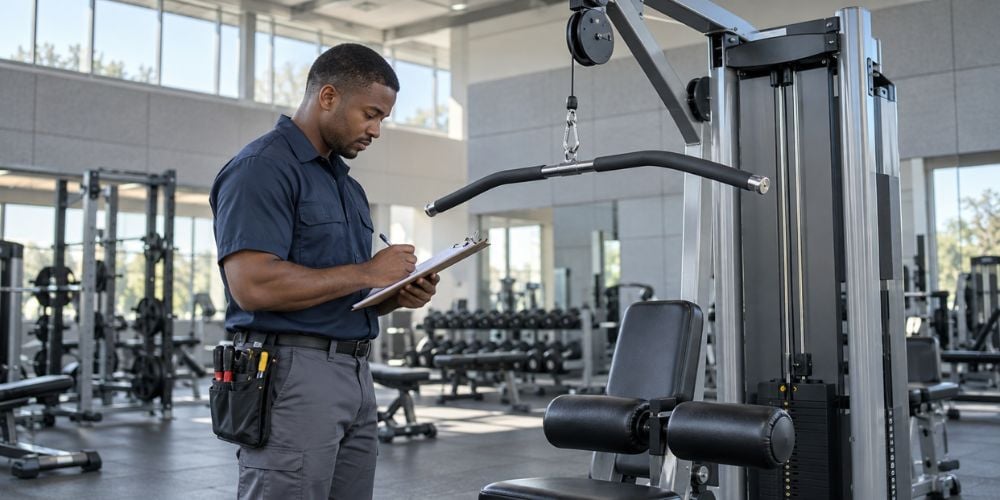
A simple log can look like this:
Date | Machine | Work Completed | Next Check |
Mar. 10 | Treadmill 01 | Belt adjusted | Jun. 10 |
Apr. 4 | Lat Pulldown | Cable inspected | Jul. 4 |
Apr. 15 | Exercise Bike | Pedals tightened | Jul. 15 |
You are not just creating paperwork here.
A maintenance history helps you spot patterns. If the same adjustment keeps appearing, there may be a larger mechanical problem behind it.
The ACSM Health/Fitness Facility Standards and Guidelines include preventive maintenance schedules and checklists as part of safe facility operation. That is a good reminder that maintenance records are not just about fixing machines after some breaks.
If your records show that several older machines are needing more maintenance, it may be worth comparing them with newer commercial equipment before another major repair appears. At YR Fitness, we design our commercial strength and cardio equipment for frequent daily use, so you can compare construction, machine type, and intended usage when deciding whether to keep repairing or start planning a replacement.
5. Record Every Repair
Maintenance and repairs are different.
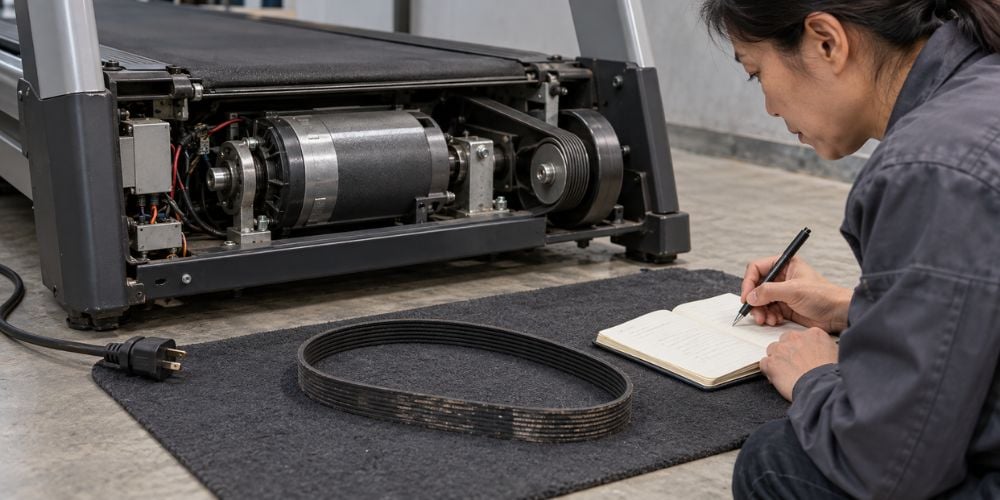
Maintenance helps prevent problems. Repair means something is already worn, damaged, loose, noisy, or no longer working correctly.
For every repair, record:
- Date
- Problem
- Cause, if known
- Part replaced
- Labor cost
- Parts cost
- Total repair cost
- Downtime
For example:
Treadmill 02
- Problem: Belt slipping
- Repair: Belt adjusted and drive belt replaced
- Cost: $180
- Downtime: 1 day
Does one repair mean the machine is finished?
Usually, no.
But if the same machine needs five repairs in one year, that tells you something important.
In my experience, repeated failures deserve much more attention than one normal repair. They can show that the machine is moving into a more expensive part of its lifecycle.
6. Check Machine Condition Regularly
Do not wait for a breakdown.
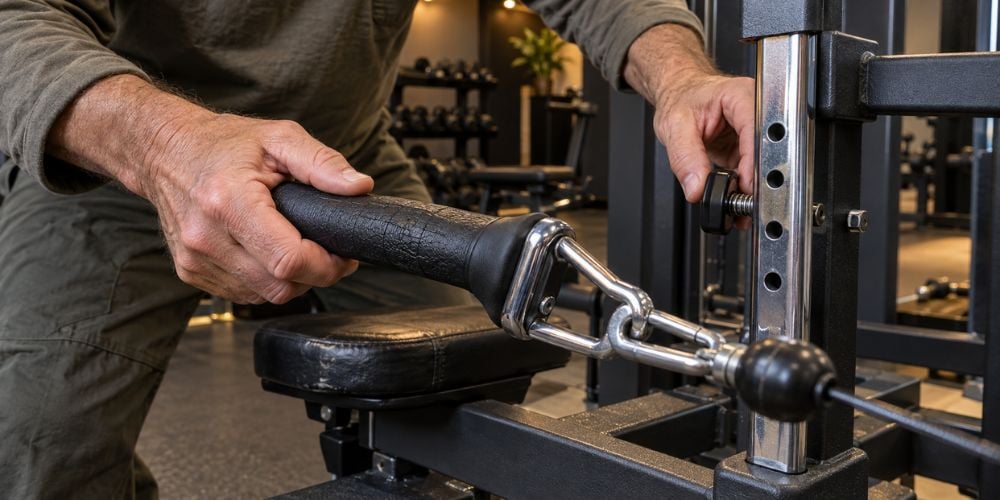
Give every machine a simple condition rating when you inspect it.
Good
The machine operates normally.
There is little visible wear and no unusual movement or noise.
Fair
The machine still works but shows some wear.
You may notice worn upholstery, aging grips, small alignment problems, or minor mechanical issues.
Poor
Problems are becoming more noticeable.
You may see:
- Repeated repairs
- Excessive movement
- Unusual noise
- Damaged parts
- Declining performance
Replacement Review
The machine is becoming unreliable or expensive to maintain.
At this point, compare repair costs with replacement options.
What should you check during an inspection?
Ask:
- Does it still move smoothly?
- Are parts becoming loose or worn?
- Does it make new noises?
- Are repairs becoming more frequent?
- Does it still feel reliable during training?
These answers often tell you more than age alone.
7. Track Total Maintenance and Repair Costs
Finally, track how much money goes into each machine.
Include:
- Routine maintenance
- Replacement parts
- Technician labor
- Emergency repairs
- Upholstery
- Cables
- Belts
- Bearings
- Electronics
- Other parts
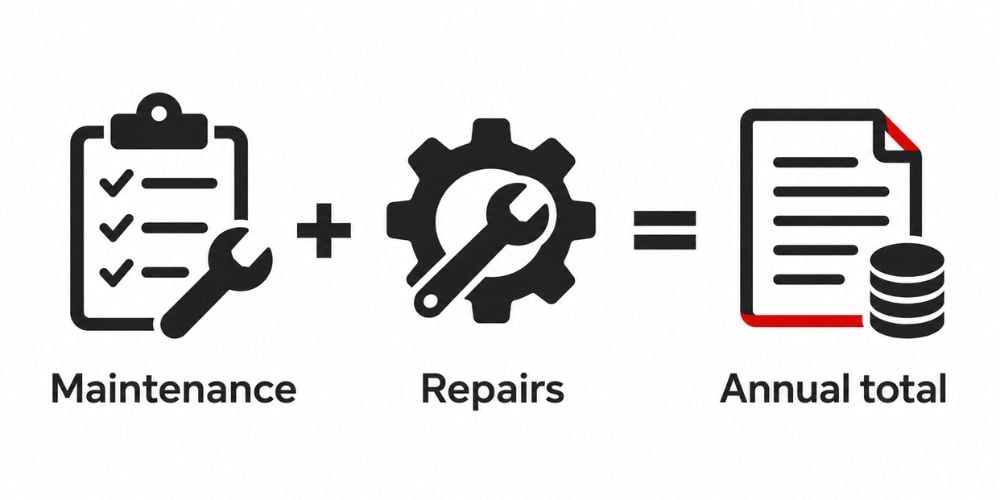
Then look at the yearly total.
Machine | Maintenance | Repairs | Total Annual Cost | Condition |
Treadmill 01 | $220 | $150 | $370 | Good |
Bike 02 | $130 | $580 | $710 | Fair |
Treadmill 04 | $250 | $1,050 | $1,300 | Poor |
Should one expensive repair trigger replacement?
Not necessarily.
Look at the trend instead.
If repair spending keeps rising while reliability keeps falling, replacement may start making more sense. The Health & Fitness Association also recommends looking at ongoing repair and maintenance spending when deciding when older fitness equipment should be replaced.
Ask yourself one simple question:
How much are you spending to keep this machine running compared with what replacement would cost?
That is where lifecycle tracking becomes genuinely useful.
You stop guessing and start making the decision from actual machine history.
Conclusion
Tracking the lifecycle of gym equipment does not need to be complicated. Record the machine ID, age, usage, maintenance, repairs, condition, and total costs, then update the information whenever something changes.
Over time, those records make it much easier to see which machines are aging normally and which ones are becoming unreliable.
If an older machine is reaching the end of its useful life, YR Fitness offers commercial strength and cardio equipment built for frequent daily training.
Related articles: