





Has your treadmill suddenly stopped and shown a code like E1, E2, or E5? It can be frustrating when you are ready to exercise and have no idea what the message means.
The quick answer is simple: write down the exact code, check your treadmill manual, restart the machine, and inspect the basic parts related to that error. Do not start taking the treadmill apart before you know what the code points to.
As a Machinery & Structural Engineer at YR Fitness, I work with treadmill motors, frames, drive systems, sensors, and internal components. I often see treadmill problems become much easier to understand once the exact error message is identified.
Below, I will show you how to read the code, make a few safe checks, and decide what to do next. Follow the steps in order, and you can quickly narrow down the problem.
1. Write Down the Exact Error Code
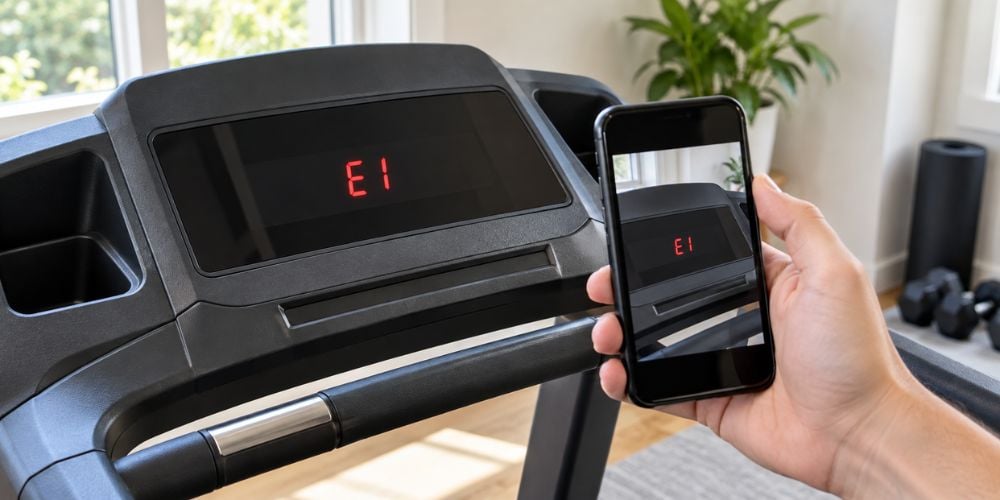
Start by copying the code exactly as it appears on the screen.
It may look like:
- E1
- E2
- E5
- E6
- ERR1
- ERR7
Why write it down? Because one number can completely change what the code means.
Also note what happened just before it appeared:
- Did the belt suddenly stop?
- Did the treadmill fail to start?
- Were you increasing the speed?
That extra detail can make troubleshooting much easier.
Important: The same error code can mean different things on different treadmill brands. An E1 code on one machine may mean something completely different on another.
2. Check Your Treadmill Manual
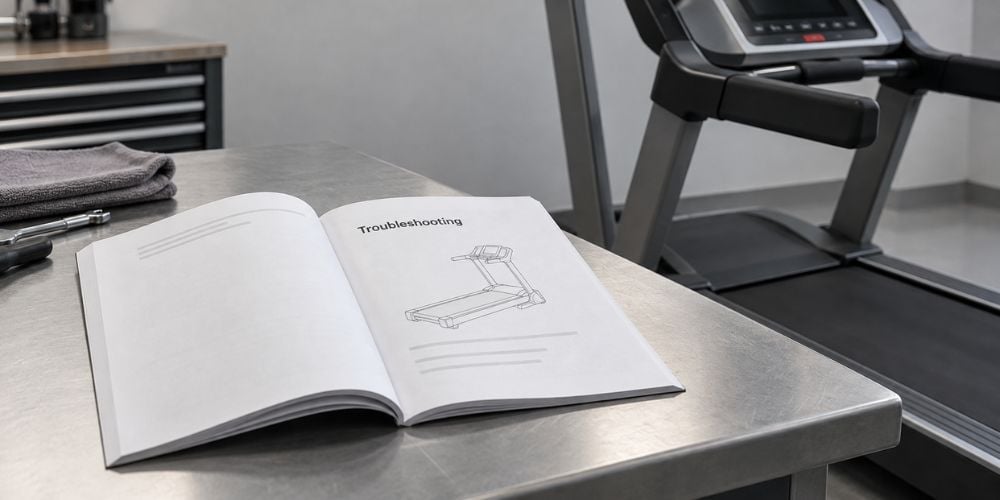
Now find the error-code section in your treadmill manual.
Look for headings such as:
- Error Codes
- Troubleshooting
- Fault Codes
- Diagnostic Messages
Match the code with your exact treadmill model.
The manual may tell you that the problem relates to:
- Speed feedback
- Motor communication
- Incline position
- Safety key
If you no longer have the printed manual, check the manufacturer’s website. For example, Life Fitness provides a searchable Manuals & Resources Hub where manuals can be searched by product or model number.
I always recommend checking the correct manual first. It can save you from spending time troubleshooting the wrong component.
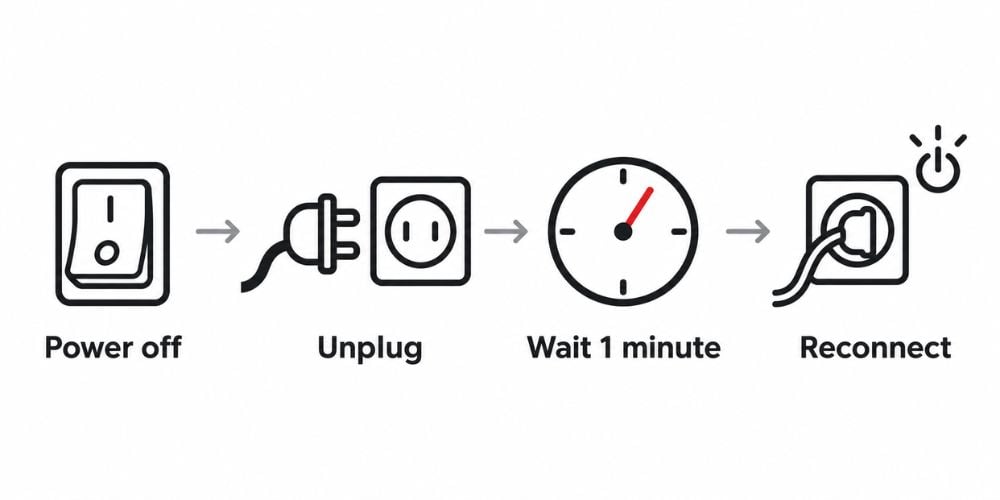
3. Restart the Treadmill First
Some treadmill errors are temporary.
A simple restart may clear a communication or sensor fault.
Try this:
- Stop the treadmill.
- Turn off the main power switch.
- Unplug the power cord.
- Wait about one minute.
- Plug the treadmill back in.
- Turn it on again.
- Insert the safety key properly.
What if the code disappears?
If the treadmill starts normally and the error does not return, the problem may have been temporary.
If the same code immediately comes back, do not keep restarting the machine. Move on to the next checks.
At YR Fitness, we design our commercial cardio equipment for frequent daily use, with attention to durable components and practical maintenance. If repeated faults are making your current treadmill unreliable, you can compare our equipment before deciding whether another major repair is worth it.
4. Understand the Most Common Error-Code Categories
You do not need to understand every electrical component inside your treadmill.
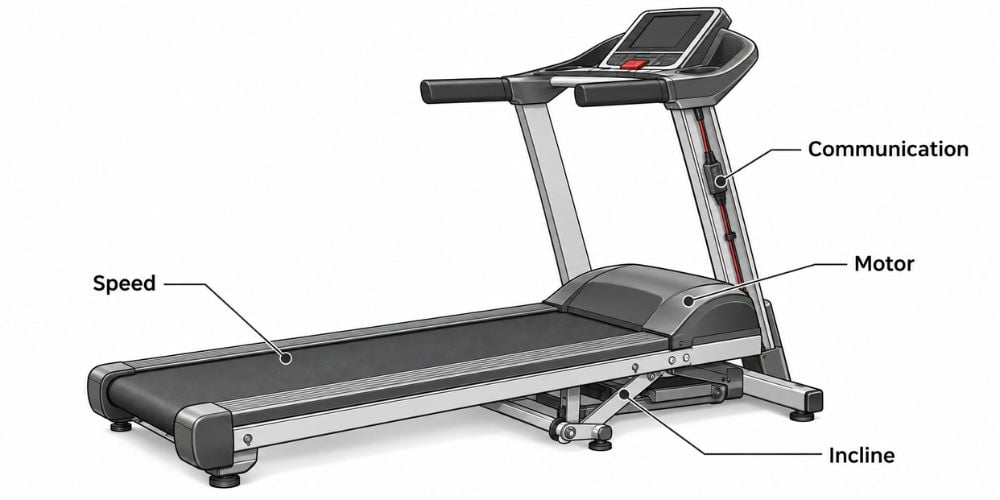
First, figure out which system the error is pointing toward.
Error Category | What It May Involve | What to Check First |
Speed error | Speed sensor, motor, belt | Check whether the belt moves normally |
Motor error | Drive motor, controller | Listen for unusual sounds or overheating |
Communication error | Console, wiring, control board | Check visible cable connections |
Incline error | Incline motor, position sensor | Test whether incline moves normally |
Safety error | Safety key, switch | Reinsert the safety key |
Power error | Outlet, cord, breaker | Check the power supply |
Speed Errors
Speed errors can appear when the treadmill cannot correctly detect or control the walking belt.
You may notice:
- Belt will not start
- Belt starts and quickly stops
- Speed changes unexpectedly
- Error appears after a few seconds
The problem could involve the speed sensor, motor, controller, or belt system.
Motor Errors
Take motor-related errors more seriously.
Watch for:
- Burning smell
- Motor overheating
- Grinding sounds
- Belt struggling under load
- Sudden shutdown
If you notice any of these signs, stop using the treadmill.
Communication Errors
The console and lower control board need to exchange information.
Loose wiring, damaged cables, or controller problems can interrupt that communication and trigger an error.
Incline Errors
An incline-related error may appear when the treadmill cannot detect the deck position correctly.
Try returning the incline to its normal position if the machine allows it. Never force the deck up or down manually.
5. Check the Simple Causes You Can See
Before opening any covers, check the obvious things first.
Here is a faster way to work through them:
What to Check | What to Look For | What to Do |
Power cord | Loose plug or visible damage | Reconnect it or try another suitable outlet |
Safety key | Loose or poorly positioned key | Remove and reinsert it |
Walking belt | Jammed, too loose, too tight, rubbing | Stop the machine and inspect it |
Visible cables | Loose console connections | Check connections with power off |
Heat | Unusually hot exterior areas | Stop and let the machine cool |
Power error | Outlet, cord, breaker | Check the power supply |
Power Cord
Make sure the cord is fully inserted and does not look damaged.
You can also try another suitable outlet if necessary.
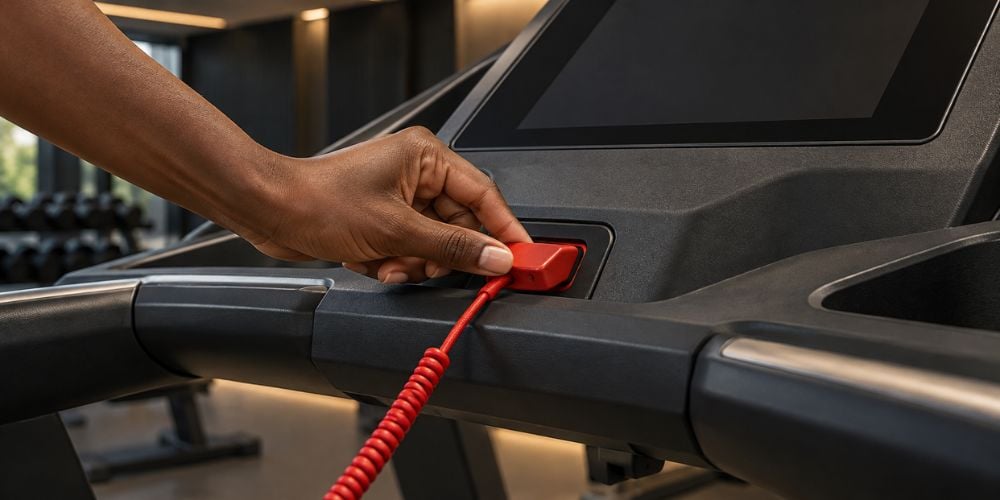
Safety Key
Remove the safety key and insert it again.
A poorly positioned safety key can prevent some treadmills from operating normally. Life Fitness, for example, notes in one of its treadmill support guides that an unsecured safety key can affect display and operation, which is a good reminder to check the simple things first.
Walking Belt
Look at the belt and check whether it is:
- Jammed
- Extremely loose
- Extremely tight
- Rubbing against the side
- Unable to move freely
Keep your hands away from moving parts while the treadmill is running.
Visible Cables
Check visible console connections for loose cables.
Do not disconnect internal electrical wiring unless the treadmill is unplugged and you know how to work safely around electrical components.
Heat
Does the treadmill seem unusually hot?
Excess heat may point to motor strain, belt friction, poor ventilation, or controller problems.
In my experience, these basic checks often reveal the first useful clue. You do not always need tools to spot what is wrong.
6. Test the Treadmill After the Basic Check
Once you finish the basic checks, test the treadmill carefully.
Should you stand on it immediately? No. Start the treadmill without standing on the belt.
Use a low speed and watch how the machine behaves.
Look for:
- Smooth belt movement
- Normal motor sound
- Stable speed
- Normal incline movement
- No warning messages
If everything looks normal, you can gradually return to regular use.
Stop the treadmill immediately if you notice:
- Burning smell
- Smoke
- Sparking
- Loud grinding
- Sudden acceleration
- Repeated shutdowns
- Breaker trips
- The same error returning repeatedly
If the problem keeps returning, professional service is the safer next step. Manufacturers such as Precor also recommend having the equipment type, serial number, and a clear description of the problem ready when requesting technical support.
Conclusion
Reading a treadmill error code does not have to be complicated. Write down the code, check the correct manual, restart the treadmill, identify the error category, inspect simple causes, and test the machine carefully.
Remember that the error code is a clue, not a complete diagnosis.
At YR Fitness, we have been developing commercial gym equipment made for frequent daily use. If your treadmill is becoming too unreliable to repair, you can explore our cardio equipment and compare whether replacing it makes more sense.
Related articles: