





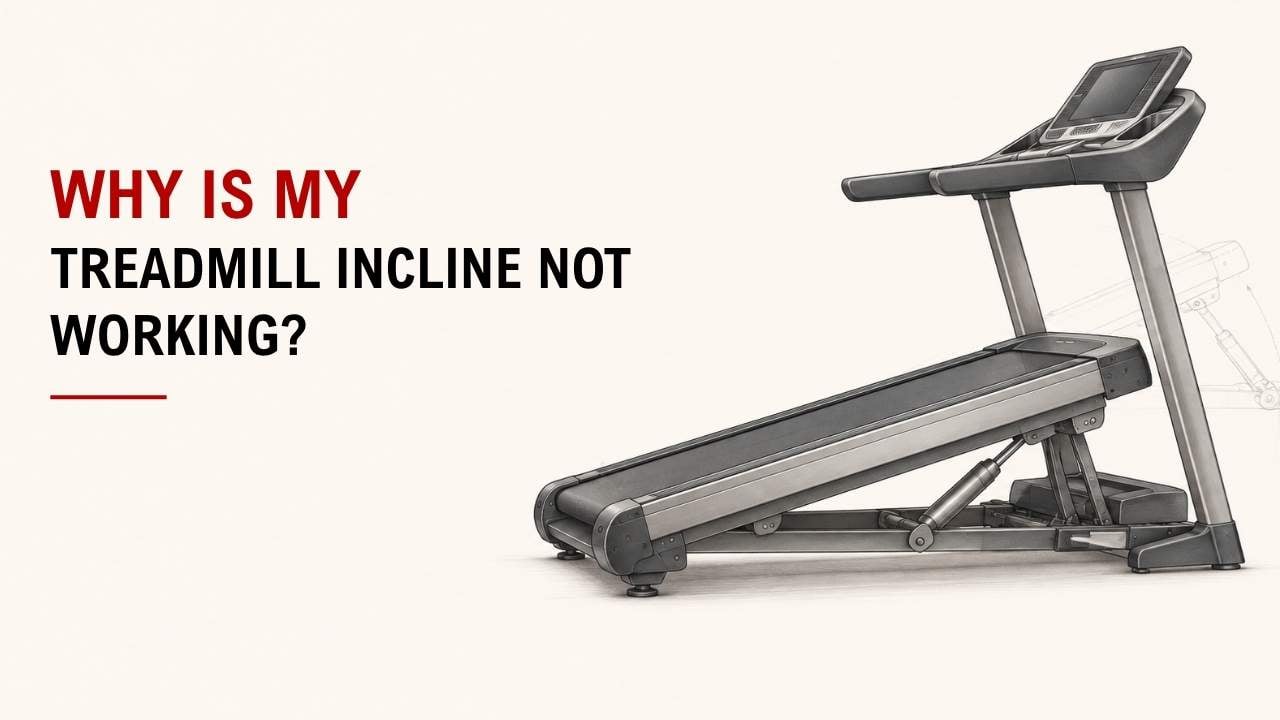

Have you pressed the incline button, but your treadmill stays flat? Or does it rise and then stop?
The most common causes are calibration issues, a faulty incline motor, loose wiring, bad controls, a stuck mechanism, control board trouble, or a sensor problem.
As the founder and chief designer of YR Fitness, I have spent decades working with treadmills and commercial fitness equipment. In my experience, checking calibration and controls first can save you a lot of unnecessary troubleshooting.
Below are seven common reasons your treadmill incline may stop working. Start with simple checks and work your way down.
- 1. The Treadmill Needs Incline Calibration
- 2. The Incline Motor Is Not Working
- 3. A Wire or Connector Is Loose
- 4. The Incline Buttons Are Not Responding
- 5. The Incline Mechanism Is Stuck
- 6. The Control Board Has a Problem
- 7. The Incline Sensor Is Giving the Wrong Position
- When Should You Stop Troubleshooting?
- Conclusion
1. The Treadmill Needs Incline Calibration
Calibration is one of the first things I would check.
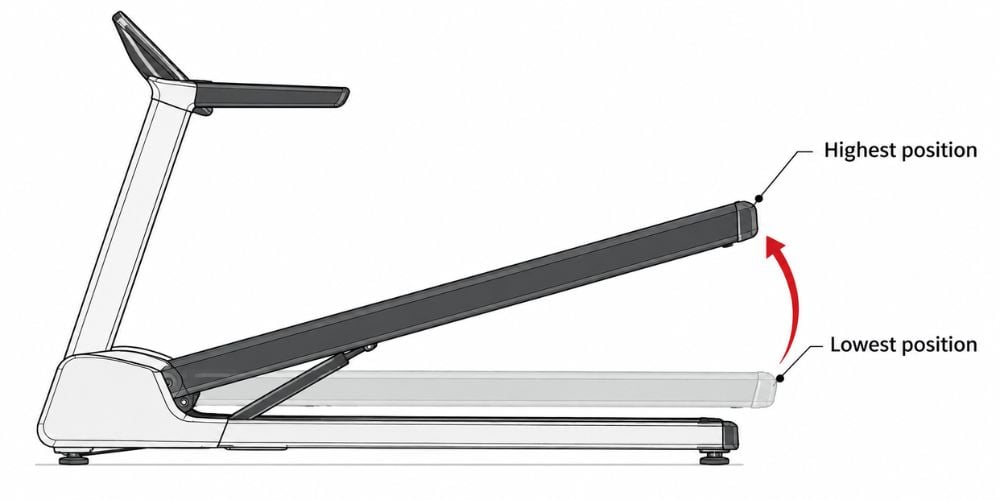
Your treadmill needs to know where its lowest and highest incline positions are. If that information becomes incorrect, the deck may stop in the wrong place or display the wrong incline.
You may notice:
- The incline number changes, but the deck does not
- The treadmill stops before reaching the selected incline
- The displayed incline does not match the actual deck angle
- The deck stays slightly raised at 0%
Many treadmills have their own calibration procedure. For example, Horizon Fitness provides separate treadmill calibration instructions for supported models, which is why you should follow the procedure for your exact treadmill rather than trying random button combinations.
Does the motor still make noise? If it does but the deck moves incorrectly, calibration is a good place to start.
2. The Incline Motor Is Not Working
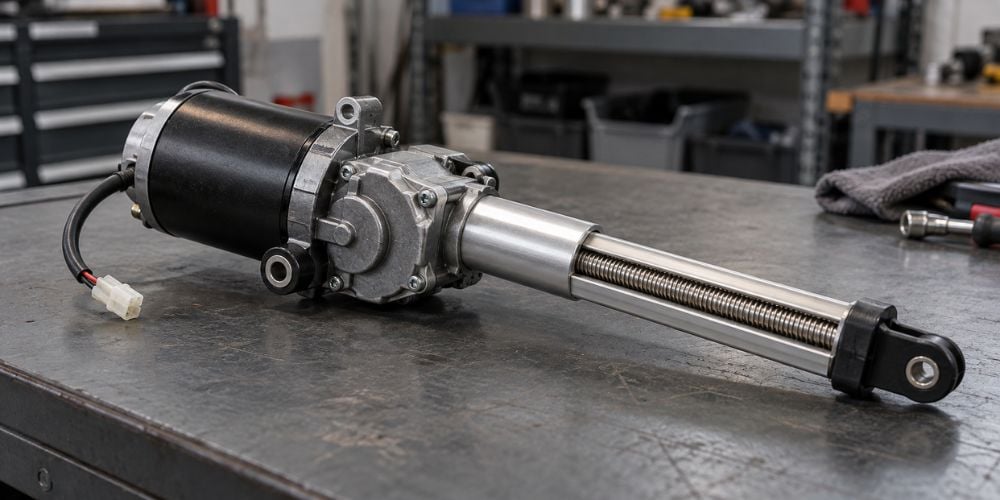
The incline motor raises and lowers the treadmill deck.
Press the incline button and listen carefully. The sound can tell you a lot.
Signs of motor trouble include:
- Humming or clicking without movement
- Very slow incline movement
- The deck rises but will not lower
- The incline stops at the same point
- Grinding or unusual noises
If you hear nothing at all, the motor may not receive power.
Do not keep pressing the incline button if the motor sounds like it is struggling. Repeated attempts can put more stress on the motor and lifting system.
What if it hums but does not move? Stop the incline function rather than repeatedly trying to force it upward.
3. A Wire or Connector Is Loose
Sometimes the motor is fine. The signal simply is not reaching it.
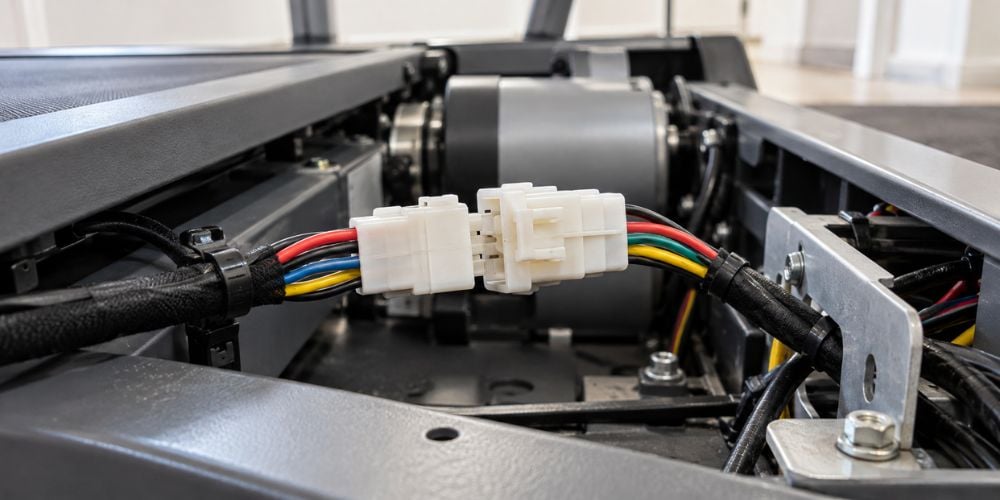
Wires connect the console, control board, incline sensor, and incline motor. A loose or damaged connection can interrupt that path.
You may notice:
- The incline stops working completely
- It works only sometimes
- The deck starts moving and suddenly stops
- An incline-related error appears
Loose connections can happen after moving the treadmill, during assembly, or after long periods of vibration and regular use. Horizon Fitness specifically recommends checking console and internal cable connections when diagnosing an incline that will not move or return to the correct level.
Before touching any connection, turn the treadmill off and unplug it. Horizon’s treadmill safety guidance also recommends disconnecting power before servicing or moving the machine.
If the repair requires opening protected electrical housings, leave that work to someone familiar with treadmill servicing.
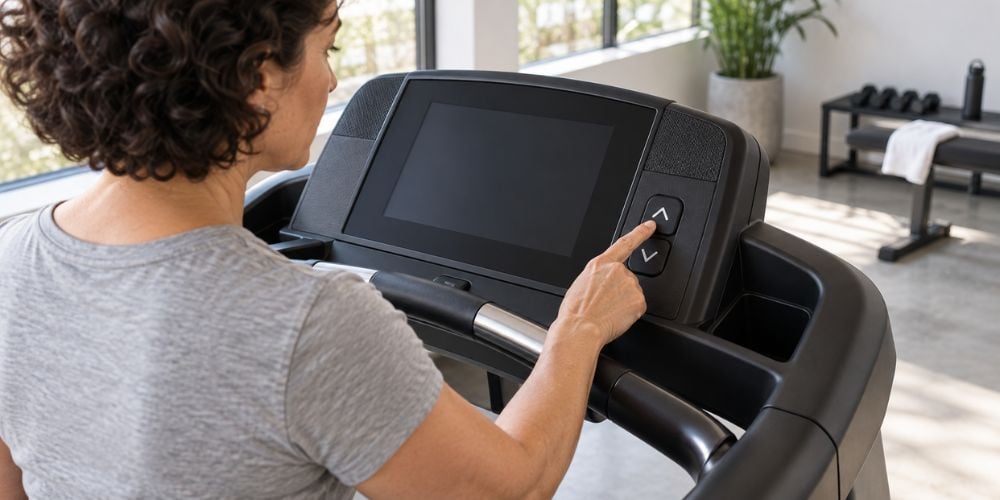
4. The Incline Buttons Are Not Responding
The problem may be in the controls rather than the incline mechanism.
Press the incline button and watch the display. If the incline number does not change, the console may not be sending the command.
Depending on the treadmill, you may have controls on the:
- Main console
- Quick-select keys
- Handrails
Try another incline control if one is available.
For example, if the handrail button fails but the main console button works, the incline motor and lifting mechanism are probably still functioning.
Are several buttons failing at once? That points more toward the console or electronic controls than one bad incline button.
If incline problems keep coming back and you are starting to compare replacement treadmills, pay attention to more than the screen and workout programs. At YR Fitness, we build commercial treadmills with practical controls, durable frames, and smooth incline adjustment for repeated daily training, so you can compare models based on the parts that actually affect your workout.
5. The Incline Mechanism Is Stuck
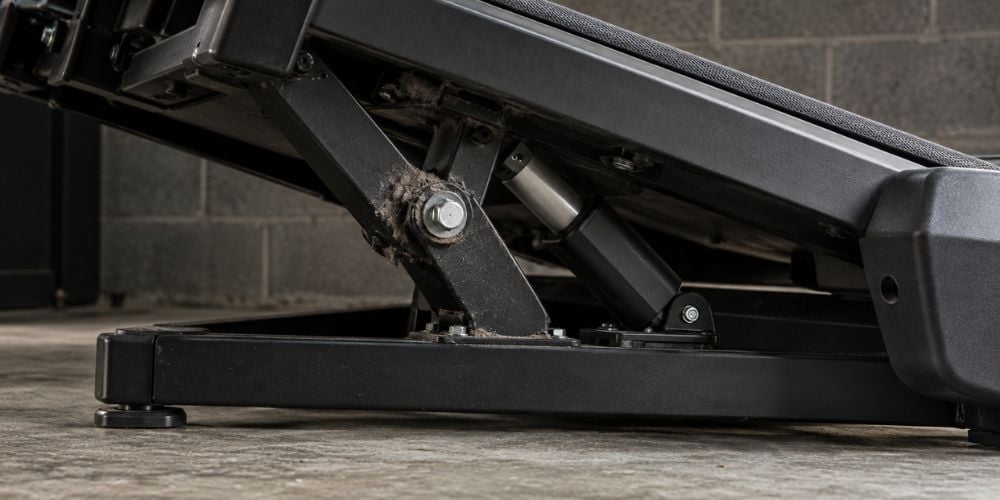
Sometimes you can hear the motor working, but the deck barely moves.
That usually means something may be resisting the lifting mechanism.
Possible causes include:
- Dirt around moving parts
- Worn components
- Bent hardware
- Mechanical resistance
- Long periods without use
This is also why routine cleaning matters. Official treadmill maintenance guidance recommends keeping dust and debris away from the machine and inspecting it regularly to reduce unnecessary wear on components.
Do not try to lift or force the treadmill deck while the incline system is operating.
Can you push the deck into place yourself? I would not. If something is binding mechanically, forcing it may make the problem worse.
6. The Control Board Has a Problem
The control board helps different treadmill systems communicate.
When you press an incline button, the electronics send instructions to the incline system. If the board develops a fault, the motor may never receive the correct command.
Possible signs include:
- Incline suddenly stops responding
- Several electronic functions fail together
- Incline works intermittently
- Error codes appear
- Calibration repeatedly fails
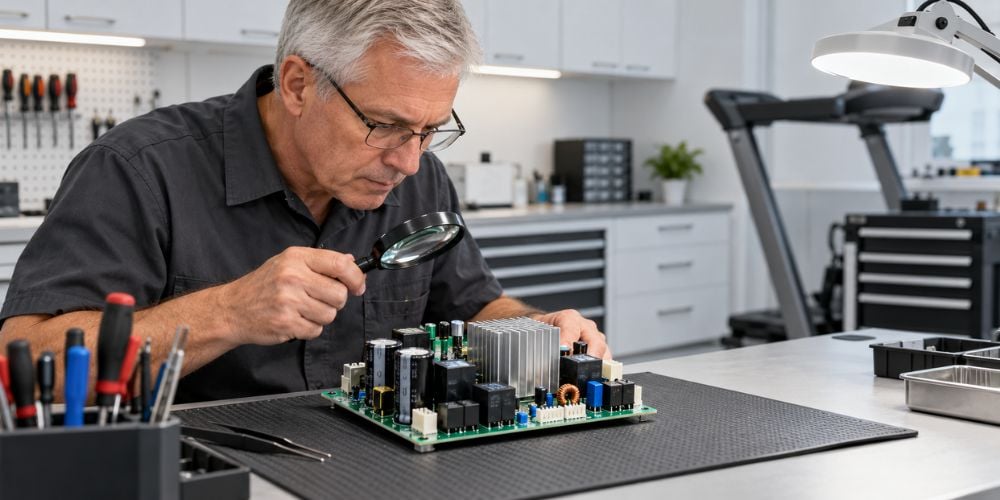
Control-board problems are difficult to confirm without proper electrical testing.
If calibration, buttons, and visible cable connections all look normal, this is where I would stop guessing. A qualified technician can test whether the problem is actually the board, motor, wiring, or another component.
7. The Incline Sensor Is Giving the Wrong Position
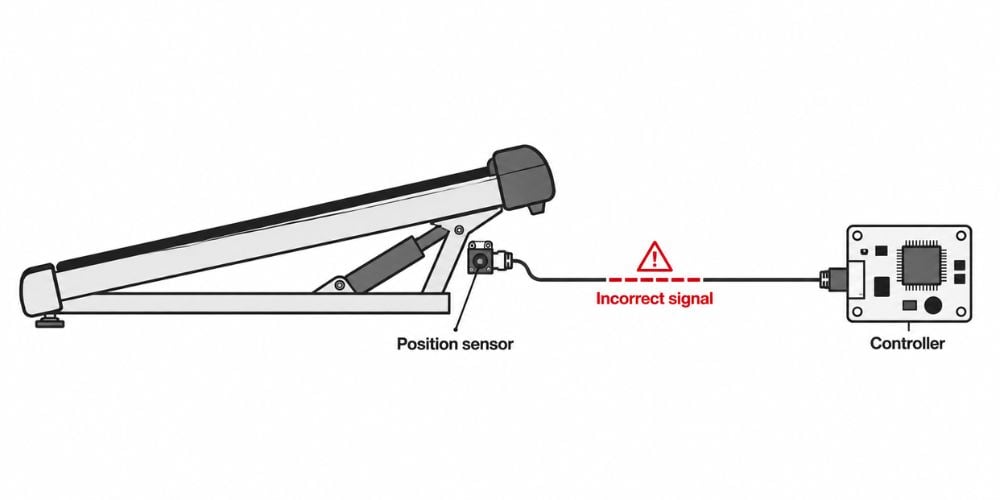
Your treadmill also needs to know where the deck currently sits.
An incline position sensor helps the system determine whether the deck is flat, partly raised, or near its maximum incline. If that position information is wrong, the treadmill may stop early or move incorrectly.
Watch for:
- Incorrect incline numbers
- The deck stopped too early
- Incline moving in the wrong direction
- Calibration failing
- The deck returning to an unusual position
In my decades of design experience, I have seen one small position-reading problem can make an otherwise working system appear completely faulty.
A technician can test whether the problem comes from the sensor itself, the wiring, the incline motor, or the control system.
When Should You Stop Troubleshooting?
Stop using the incline function if you notice grinding, burning smells, damaged wiring, repeated electrical errors, or a deck stuck at an unsafe angle.
You should also avoid removing protected covers unless your treadmill manual specifically tells you to do so. Manufacturer safety guidance generally recommends leaving internal electrical servicing to trained technicians.
Conclusion
If your treadmill incline is not working, do not assume the incline motor has failed straight away. Check calibration, buttons, and basic connections first, then consider the motor, lifting mechanism, control board, and incline sensor.
What matters most is what the treadmill is telling you. A wrong incline reading suggests a different problem from a motor that hums, grinds, or does nothing at all.
If you want a treadmill with a dependable incline system for consistent training, at YR Fitness we can help you explore commercial-grade treadmill options designed for smooth adjustment and reliable long-term use.
Related articles: