





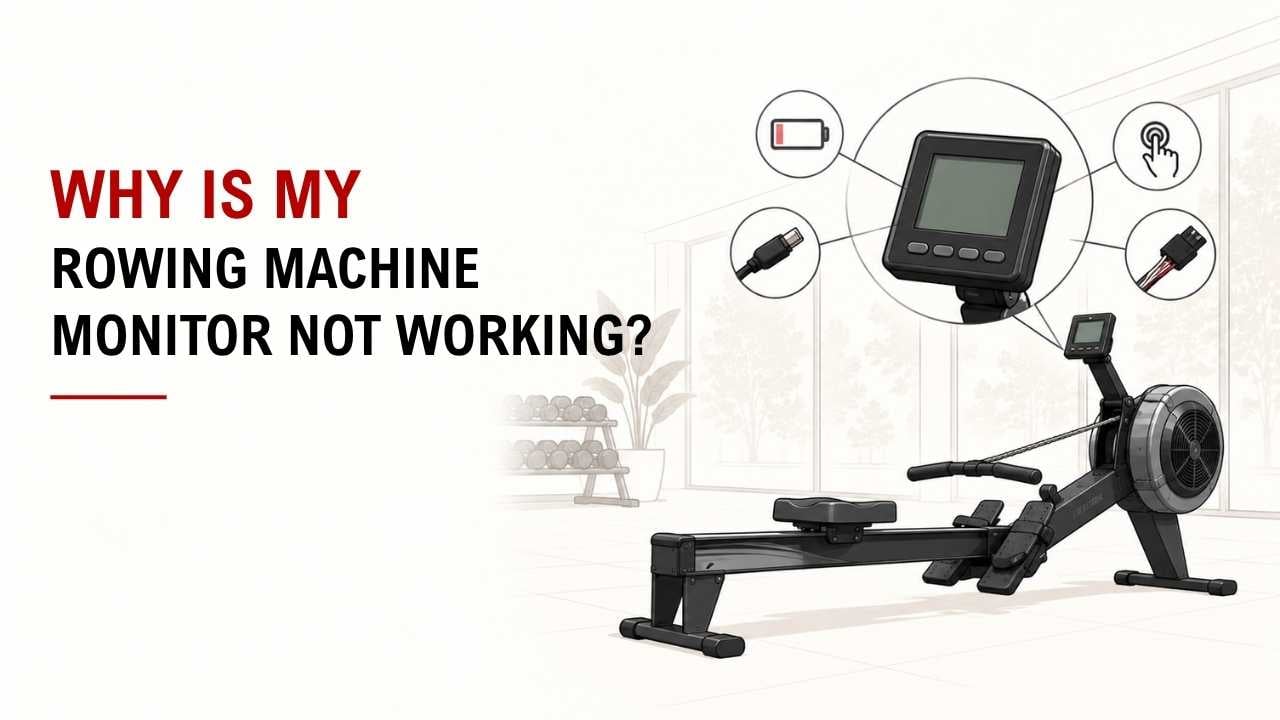

Is your rowing machine moving normally, but the monitor stays blank or stops showing workout data? The problem is common, and it often comes from a simple power, cable, or sensor issue.
The short answer is: check the batteries, power connection, monitor cable, sensor, magnet, and wiring. One of these areas is usually behind the problem.
As a Machinery & Structural Engineer at YR Fitness, I work with how fitness equipment components perform during repeated use. I often see simple connection problems mistaken for a completely failed monitor.
Below, I’ll walk you through the six main causes and what to check first. Start at the top and work down before spending money on a new monitor.
1. The Batteries Are Dead or Installed Wrong
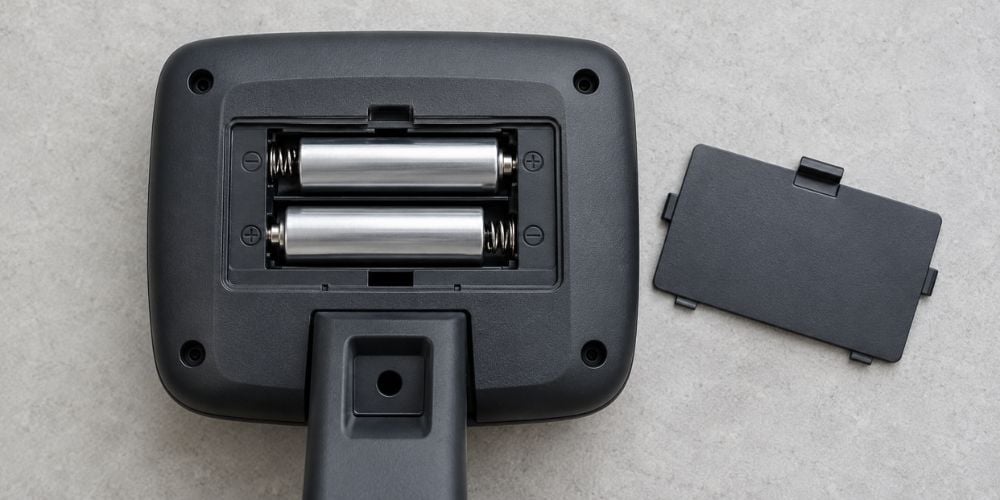
Start with the easiest check: the batteries.
Weak or dead batteries can leave the monitor completely blank. Batteries installed in the wrong direction can cause the same problem.
Check:
- Battery direction
- Battery age
- Corrosion on contacts
- Bent or dirty battery terminals
Try a fresh set before moving on.
This is not just a general troubleshooting step. For example, Concept2 includes battery checks in its official PM5 troubleshooting guide when diagnosing monitor power problems.
Still blank? Move to the power connection.
2. The Power Connection Is Loose
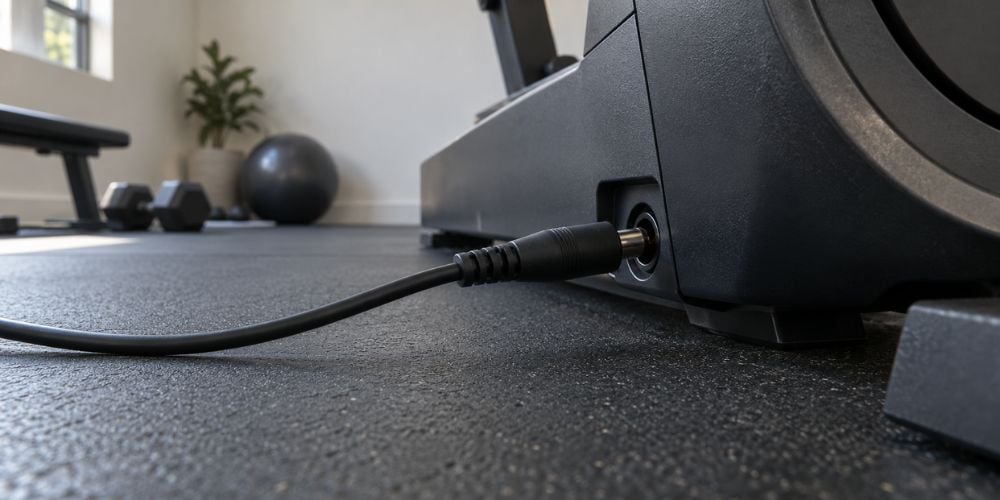
Some rowing machines use a power adapter instead of batteries. Others use internal power connections between the machine and monitor.
Make sure the plug is fully inserted into both the outlet and the machine.
Does the screen switch on and off when the cable moves? That can point to a loose connector or damaged power cable.
Do not keep using a visibly damaged electrical cable.
3. The Monitor Cable Has Come Loose
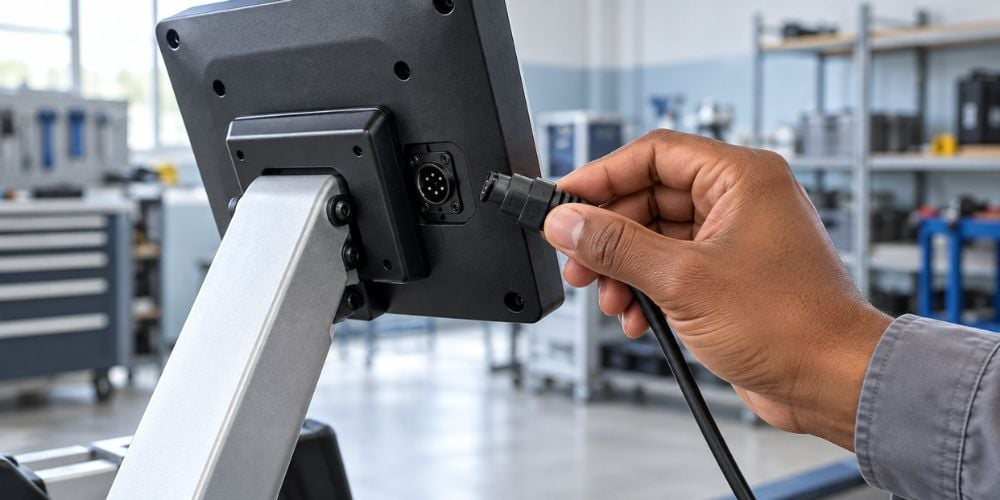
Does the screen turn on but show no strokes, speed, or distance? Check the monitor cable next.
Repeated rowing creates vibration. Over time, a connector can work slightly loose.
Look around:
- The back of the monitor
- The monitor arm
- The frame connection
- Visible cable plugs
Reconnect any loose plugs carefully. Hold the connector itself rather than pulling on the wire.
I often check this early because a loose connection can look like a much more serious electronic problem. Concept2 also recommends checking that the monitor pickup or generator cable is fully connected when a monitor stays at zero.
Quick Troubleshooting Check
Monitor Problem | Check First |
Screen completely blank | Batteries or power supply |
Monitor switches on and off | Power cable or connector |
Screen works but shows no rowing data | Sensor and magnet |
Data appears only sometimes | Sensor position or wiring |
Numbers look incorrect | Sensor condition and alignment |
Visible cable damage | Wiring and connectors |
If repeated monitor or mechanical problems are making you question your current machine, you can explore YR Fitness. We design our commercial cardio equipment around reliable daily operation, practical maintenance, and durable components, which can be useful points to compare when choosing replacement equipment.
4. The Sensor and Magnet Are Misaligned
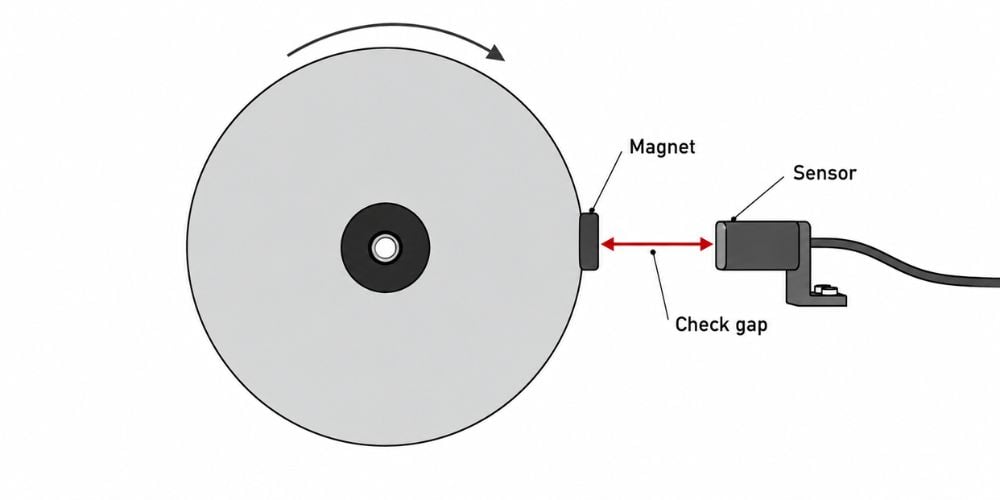
Many rowing machines use sensors and magnet to detect movement.
As the magnet passes the sensor, the monitor receives information used to calculate:
- Stroke rate
- Distance
- Speed
- Workout time
If the sensor moves too far from the magnet, the monitor may switch on normally but stop showing rowing data.
This happens on real machines. WaterRower, for example, explains that an incorrectly positioned sensor disk can cause an S4 monitor to flash zeros and provides instructions for adjusting the sensor disk alignment.
Check whether the magnet still passes close to the sensor. If the gap looks unusually large, the sensor may need a small adjustment.
One caution: do not force either part into position.
5. The Sensor Is Dirty or Damaged
What if the alignment looks fine?
Check the sensor itself.
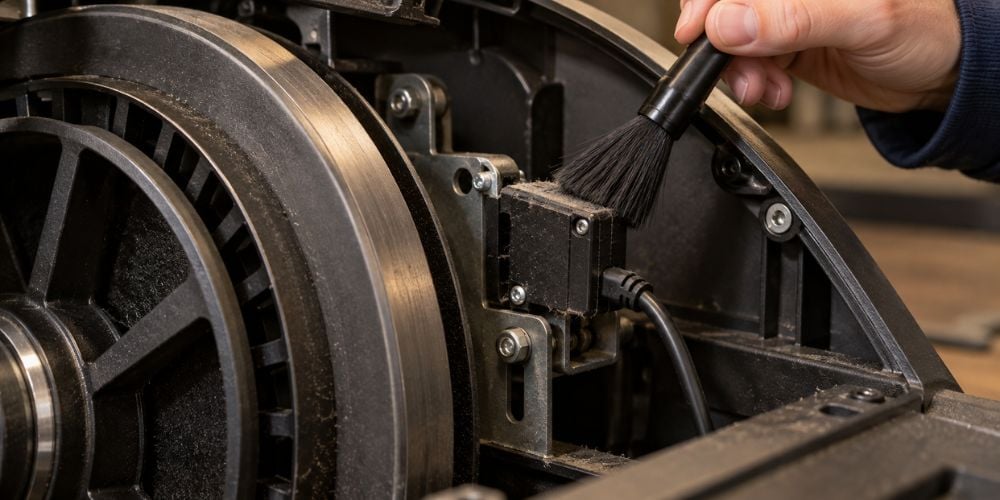
Dust, sweat, and dirt can collect around electronic components over time. Before cleaning, unplug the machine or remove its batteries.
Gently remove visible dirt without soaking electronic parts.
Possible signs of a sensor problem include:
- Monitor shows zero strokes
- Workout data appears only sometimes
- Readings suddenly disappear
- Numbers jump or look unrealistic
If cleaning and alignment do not help, the sensor may be damaged and need replacement.
Here is why this matters: a monitor can still have power even when it is not receiving the movement signal it needs.
6. The Wiring Is Damaged
If everything above looks normal, inspect the wiring.
Look for:
- Pinched wires
- Frayed insulation
- Broken connectors
- Loose plugs
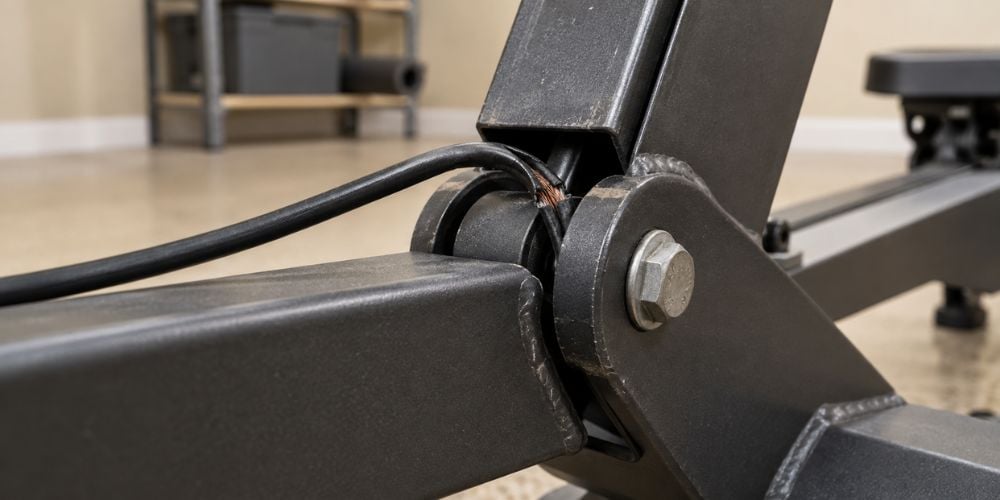
- Wires trapped between frame parts
- Visible cuts
A damaged wire can interrupt communication between the sensor and monitor.
In my experience, folding areas and moving joints deserve extra attention because cables there can experience more movement. WaterRower’s own monitor replacement guidance also tells users to check sensor connections, missing magnets, sensor position, and broken sensor wires when a monitor powers on but does not count. See its monitor and sensor checks here.
If you see exposed copper, melted insulation, or badly damaged wiring, stop using the monitor until the problem is repaired.
What Can You Check Yourself?
Check | Usually Simple to Inspect? | When to Get Help |
Replace batteries | Yes | Battery contacts are badly corroded |
Reconnect loose plugs | Yes | Connector is broken |
Check sensor alignment | Usually | Sensor mount is damaged |
Clean visible dust | Yes | Electronics show corrosion |
Inspect wiring | Yes | Wire is cut, melted, or exposed |
Internal monitor repair | No | Use a qualified repair technician |
Conclusion
A rowing machine monitor that stops working does not always need replacing. Check the batteries, power connection, cable, sensor, magnet, and wiring first.
Start with the simple checks before opening electronic components or buying replacement parts.
If your rowing machine is getting older and repeated faults are becoming common, you can also browse YR Fitness to compare cardio and commercial fitness equipment designed for regular use. Choosing reliable equipment from the start can make day-to-day training much simpler.
Related articles: